Advik PST Converter documentation
Overview
AdvikSoft PST Converter is a professional email migration tool designed to convert Outlook PST files into multiple file formats and email platforms with high accuracy and data integrity.
Installation Guide
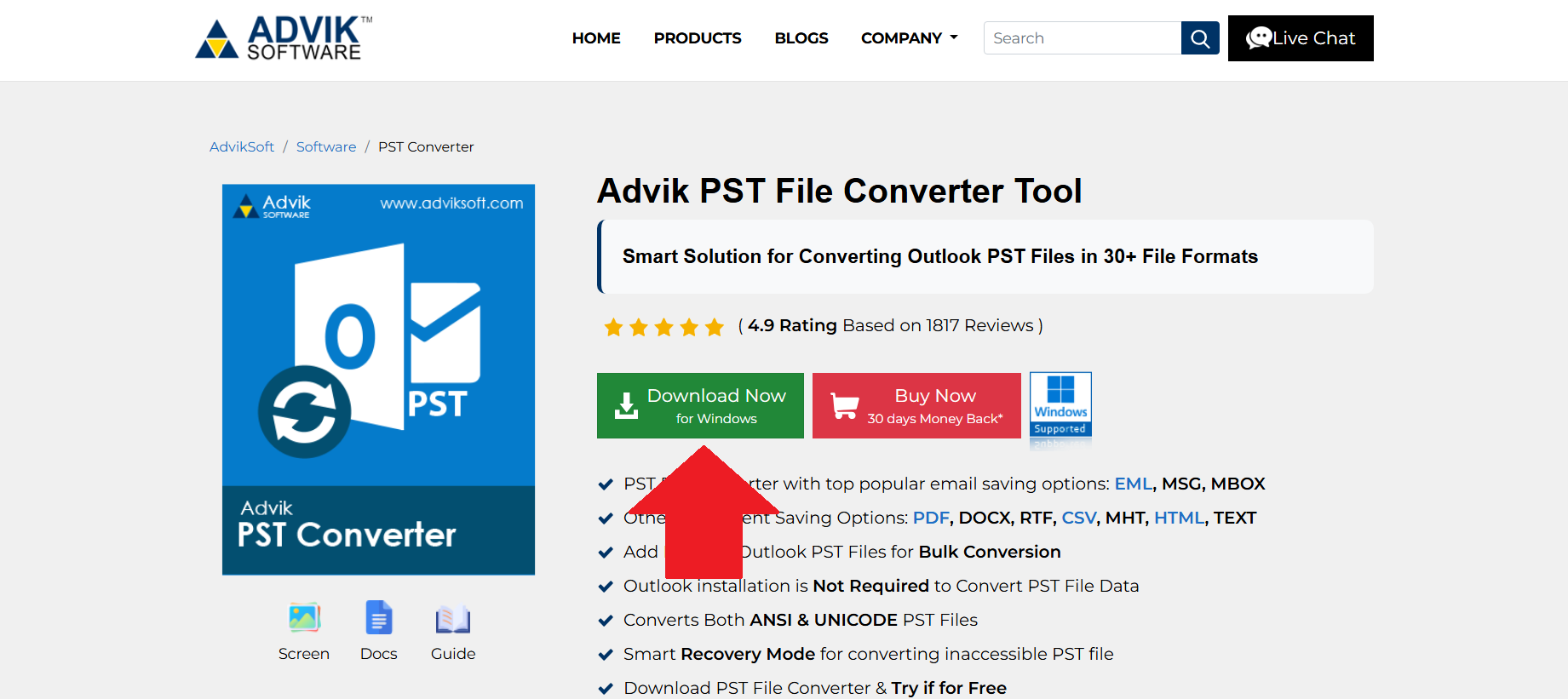
- Download the PST Converter setup file from the official website.
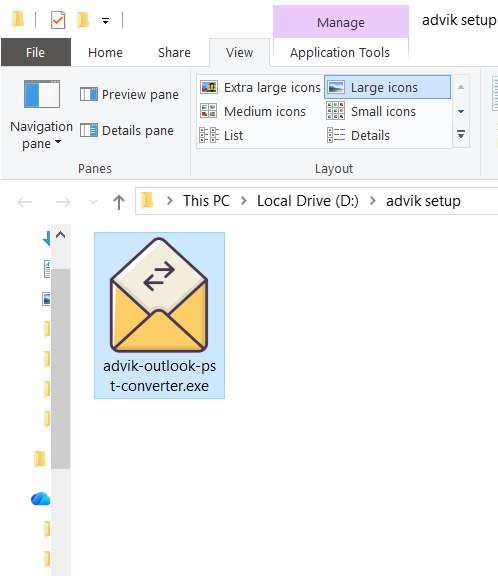
- Double-click the setup file to start the installation.
- Click Yes/Allow to grant necessary permissions.
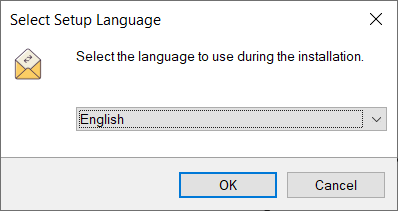
- Choose the language you want to use for installing the software.
- Accept the terms and conditions.
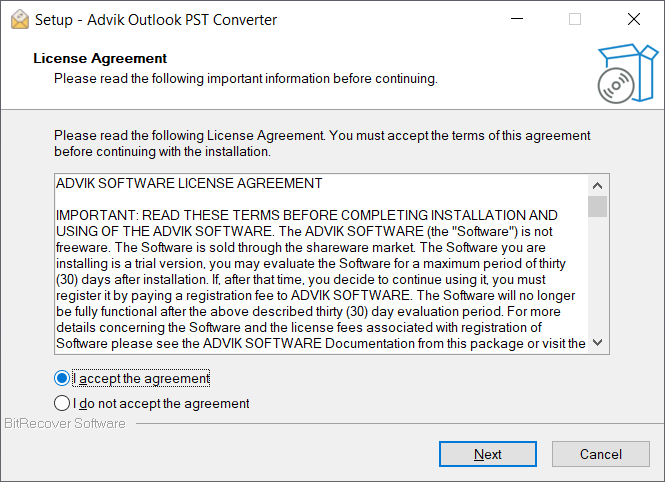
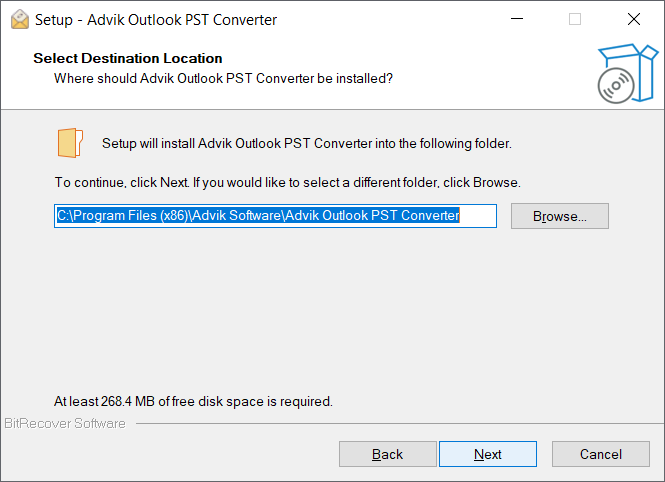
- Select Installation Path.
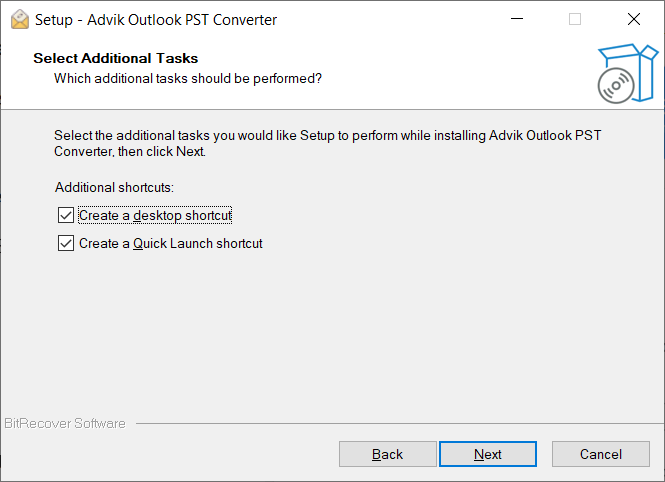
- Select Create desktop icon and create quick launch icon as per your convienience.
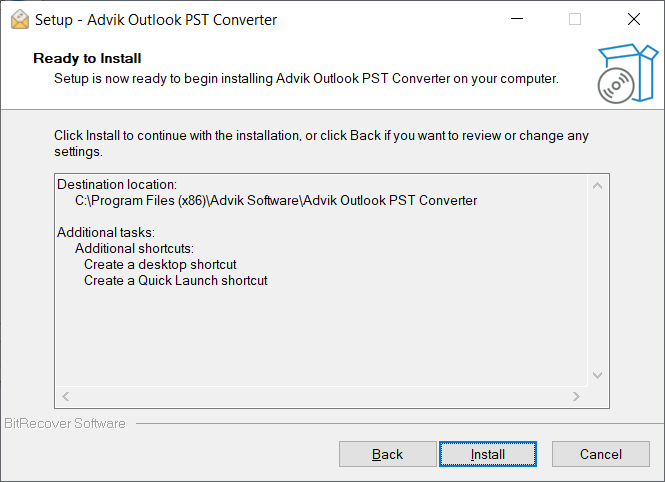
- Now Software is ready to install Click on Install Button.
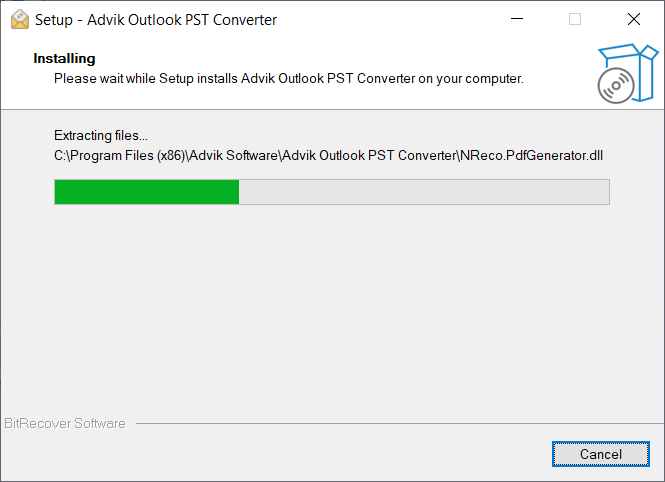
- Wait for the Installation to complete.
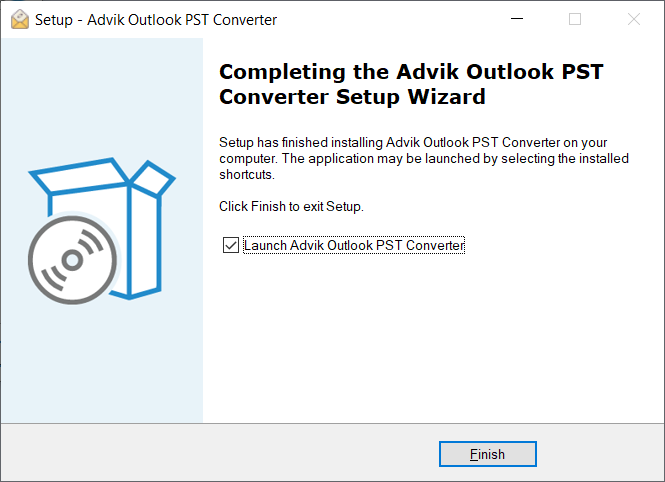
- Selelct launchAdvik Outlook PST Converter if you want to launch software now.
Uninstallation Guide
- Open Control Panel and go to Programs and Features.
- Find the PST Converter software in the list.
- Right-click on it and select Uninstall.
- Follow the on-screen instructions to remove the software.
- Restart your system (optional but recommended).
How to Use
- Download and install the software.
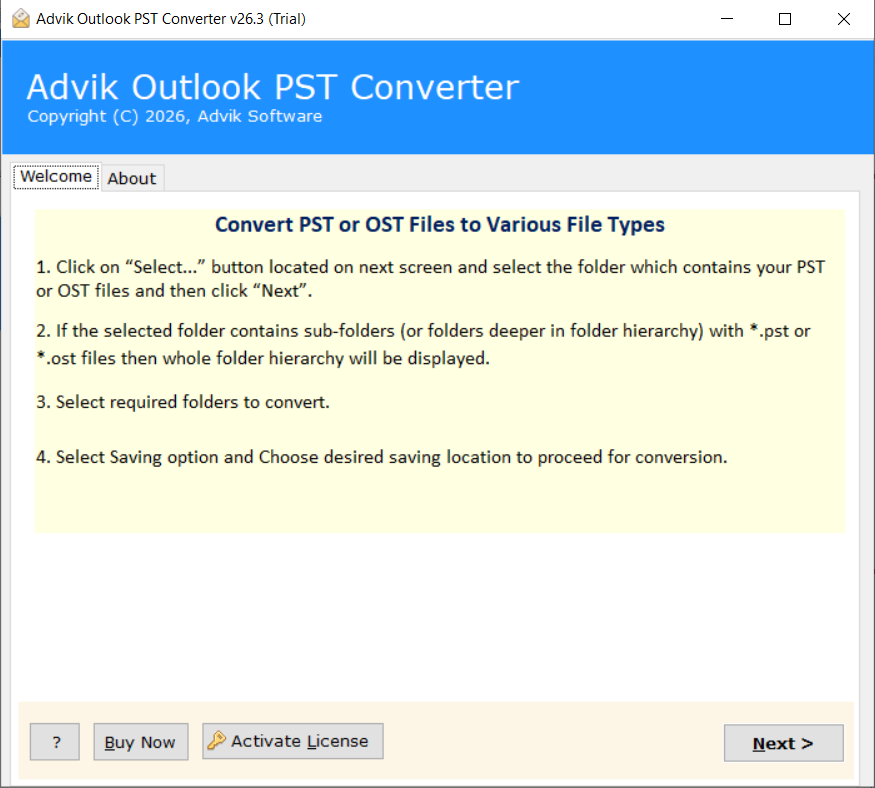
- On the first screen, you will see basic instructions on how to use the software..
- Next, choose how to load your PST file. You can either let the tool automatically detect it from Outlook or manually add the PST file.
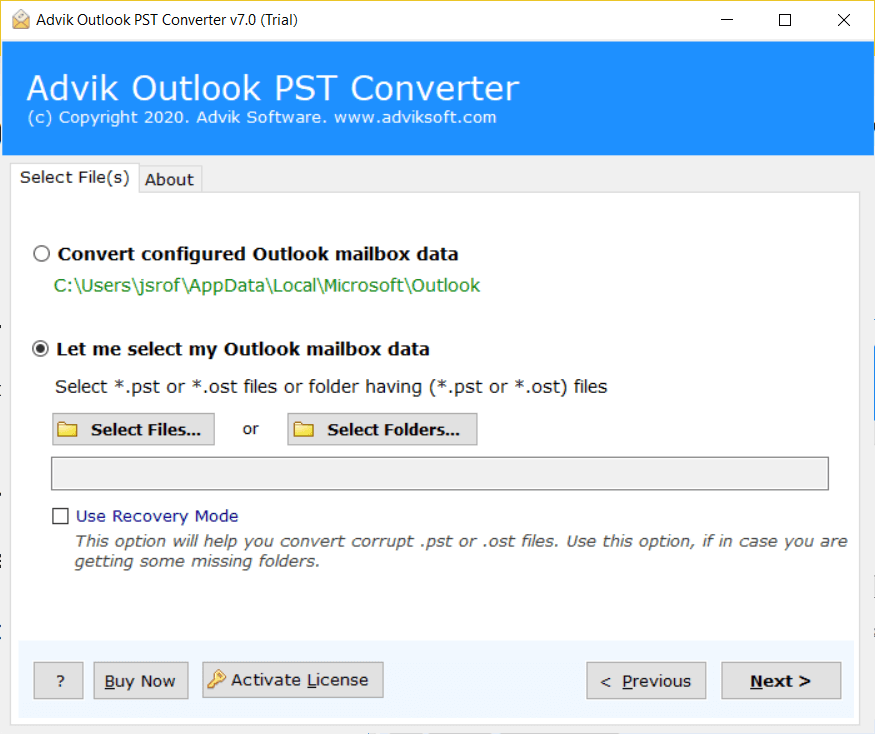
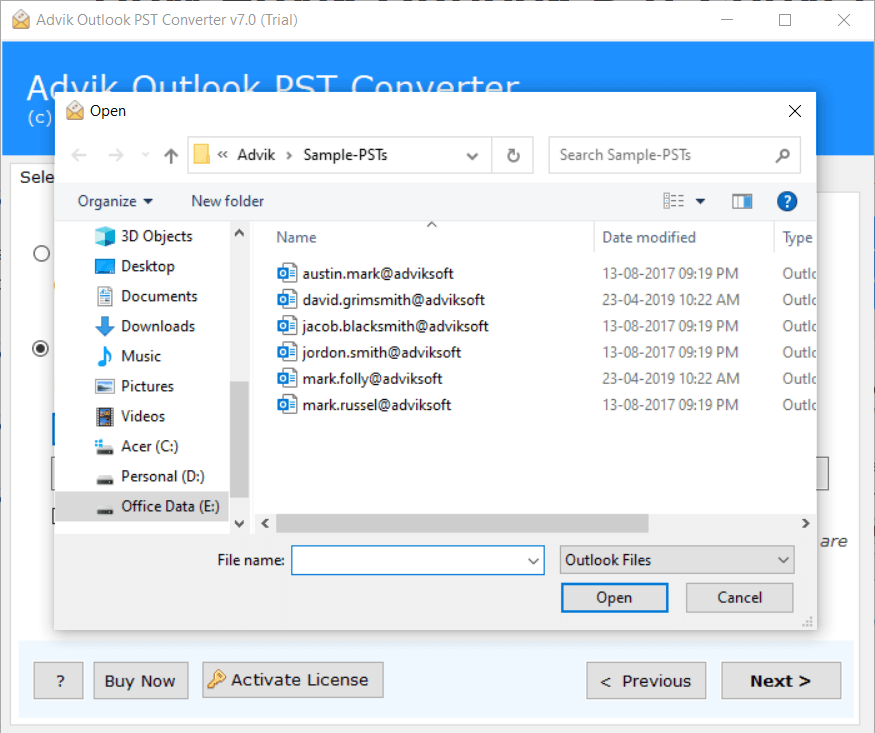
- Add your Outlook PST file to the software.
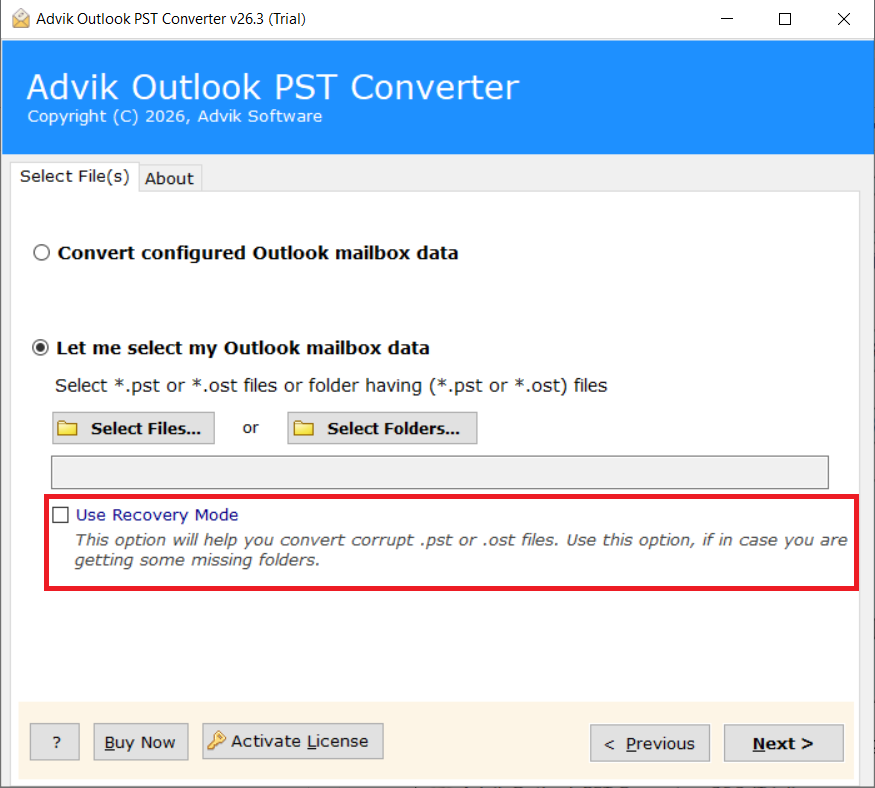
- If PST File is corrupted use "Recovery Mode".
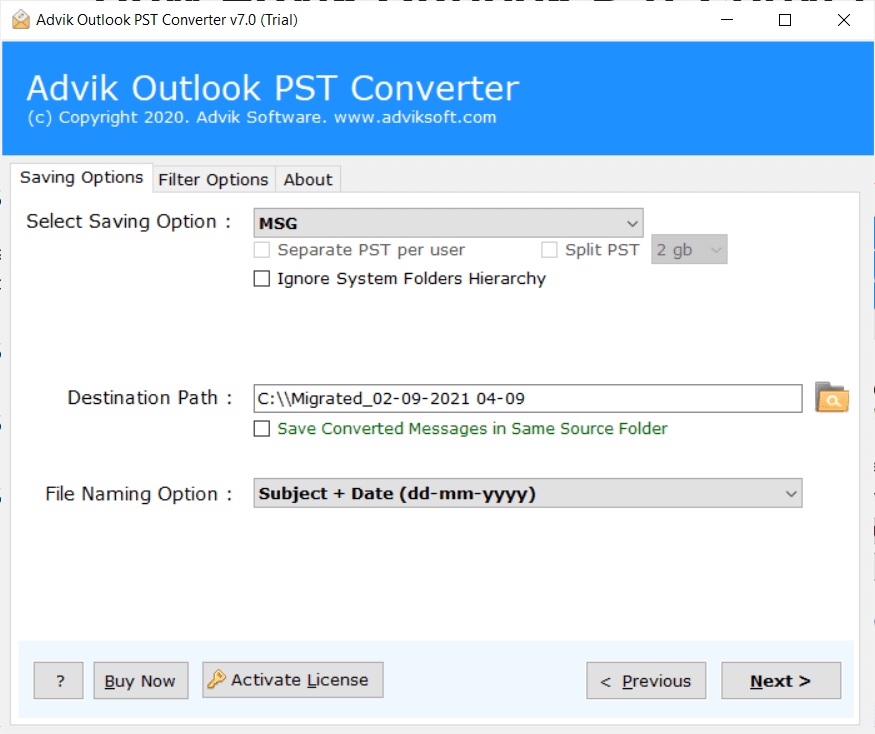
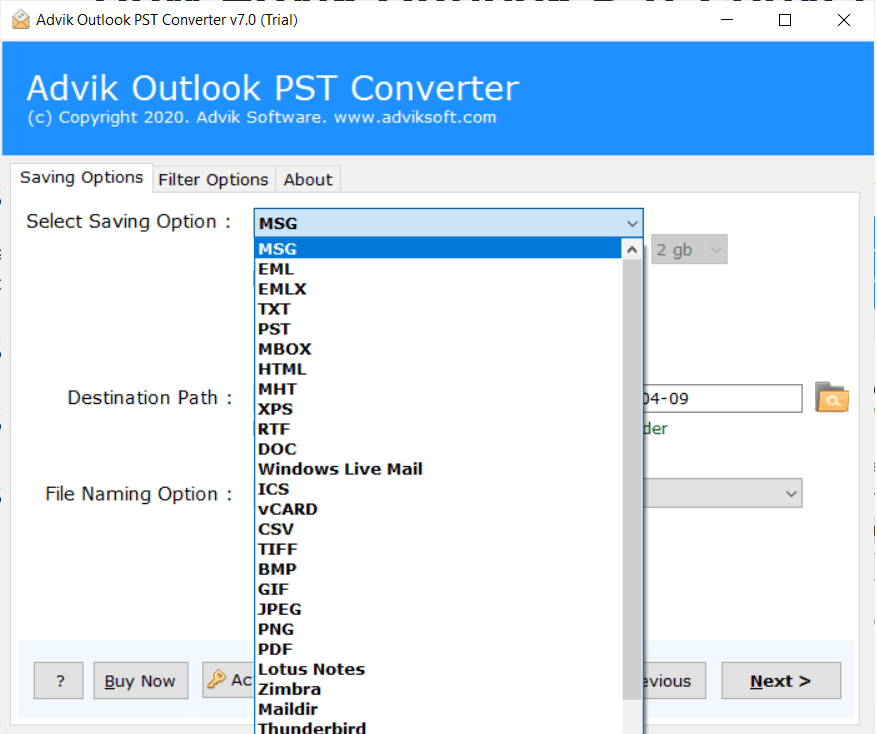
- Select your desired output format for converting the PST file.
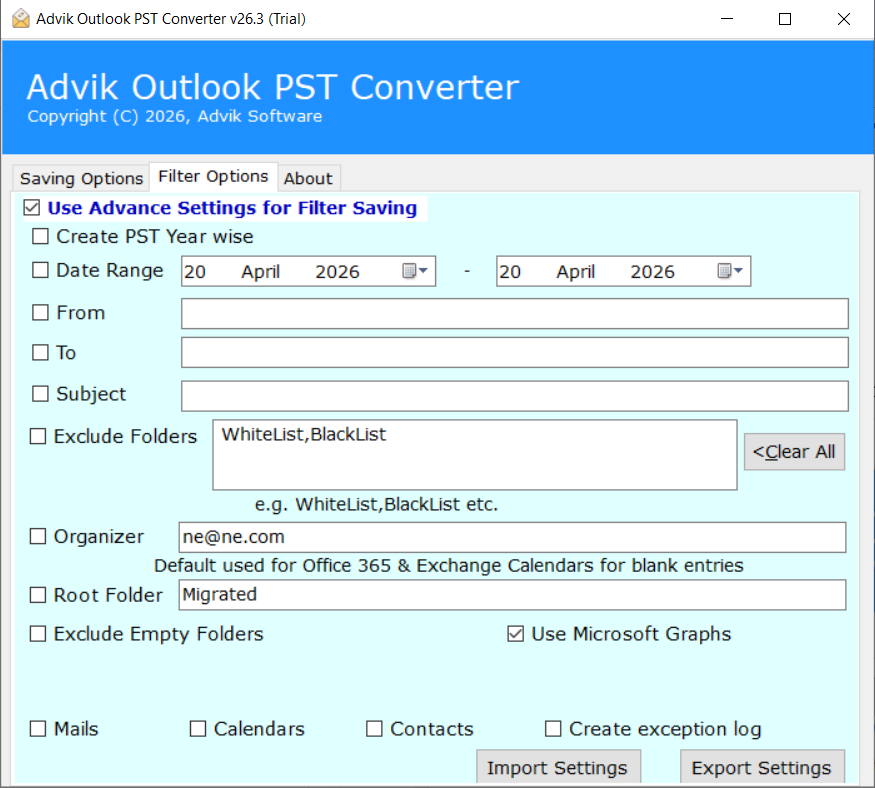
- Apply Advance Filter if Needed.
- You can also ignore folder hierarchy by slecting "Ignore System Folder Hierarchy".
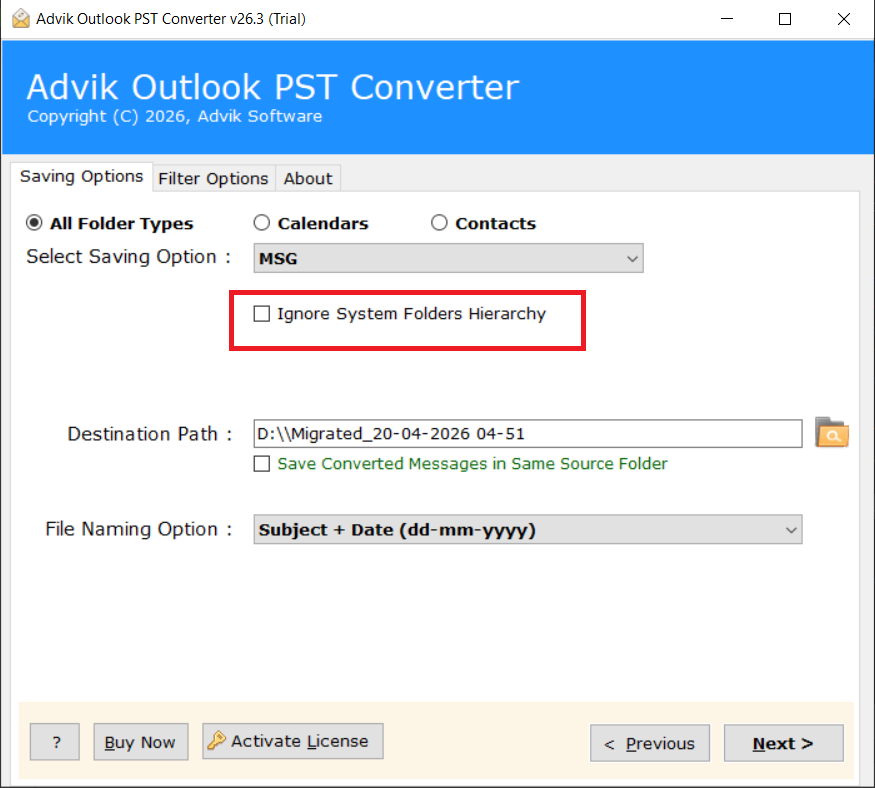
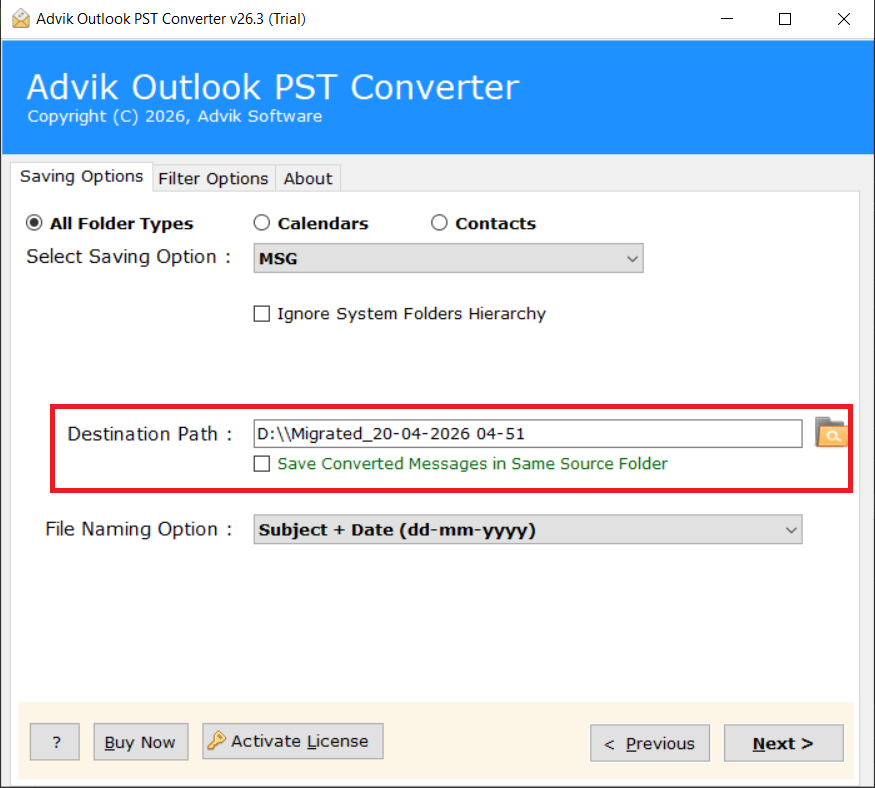
- Select Desired Destination path where you want to save converted file
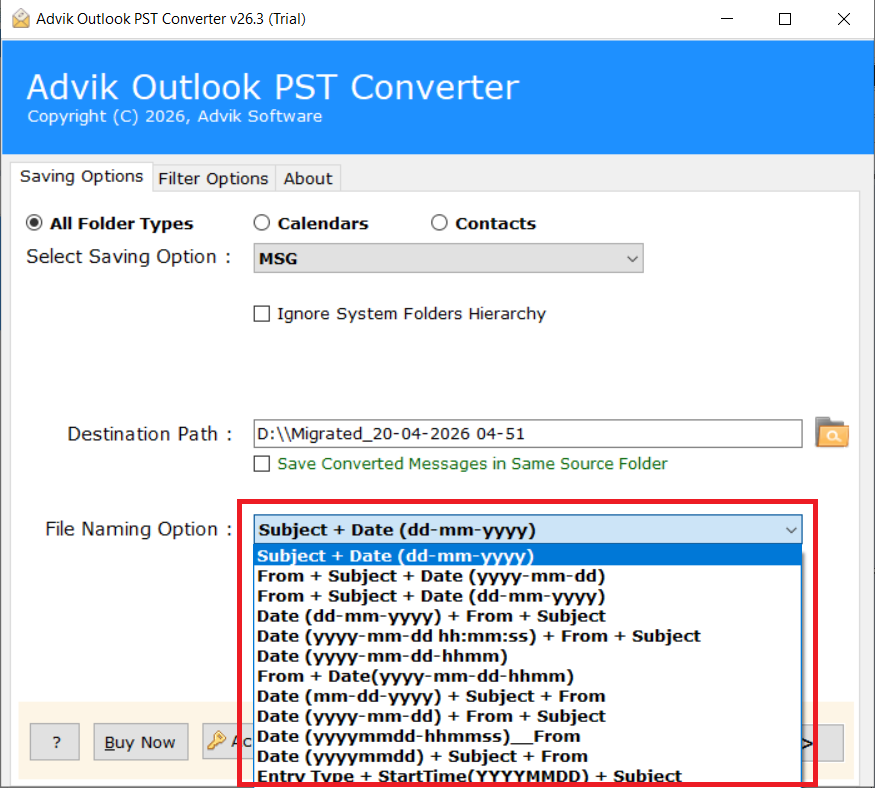
- Select File Naming Option. It is used to name the output file names.
- Click the "Next" button to start the conversion process.