How to Send Outlook Email to WhatsApp?
Overview: Outlook is a widely used email client for professional communication, while WhatsApp has become the fastest way to share information quickly. Many users want to send Outlook email to WhatsApp. However, Outlook does not provide a direct option to send email to WhatsApp, which makes the process complicated. In this article, we will explain how to forward Outlook emails to WhatsApp manually and professionally. This guide will walk you through these methods step by step.
Why Send Outlook Email to WhatsApp?
Here are some benefits of sharing Outlook emails to WhatsApp:
- Users can easily access their emails on their phone without opening Outlook.
- Users can quickly send messages or respond to emails using WhatsApp.
- WhatsApp makes it easy to share pictures, voice messages, texts, and even video calls. This helps people to stay connected with team members.
How to Forward Email from Outlook to WhatsApp for Free?
Step 1. Launch Outlook on your computer.
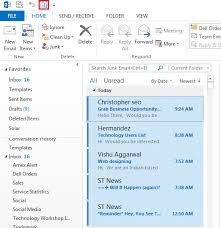
Step 2. Choose the email you want to share.
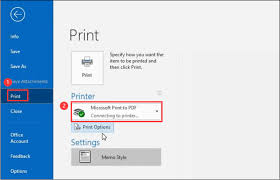
Step 3. Click on File > Print and select Save as PDF.
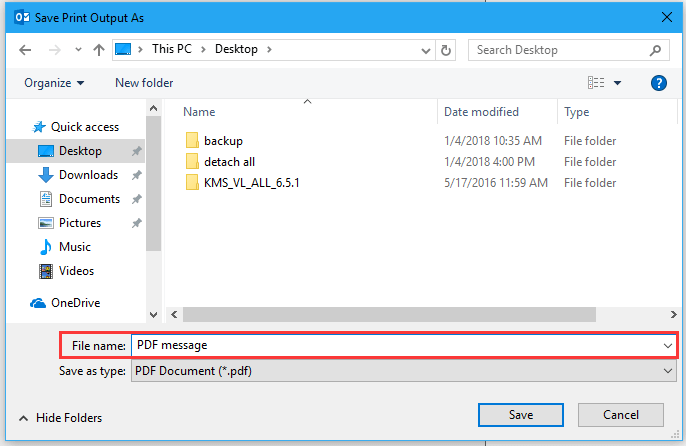
Step 4. Save the email as a PDF file on your computer.
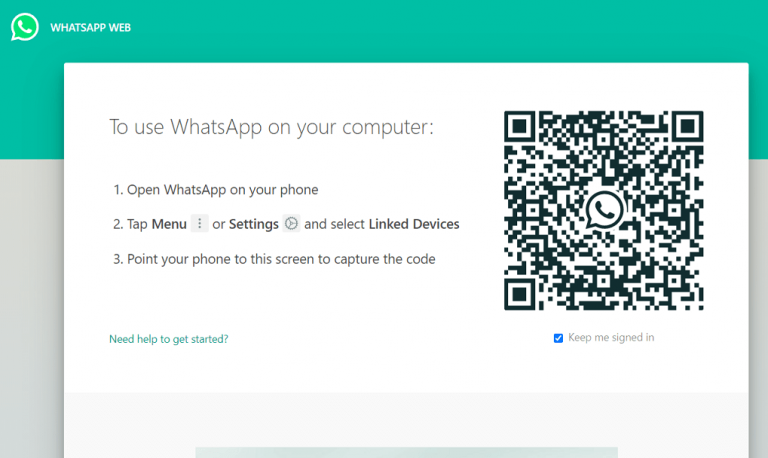
Step 5. Go to web.whatsapp.com & log in to your account.
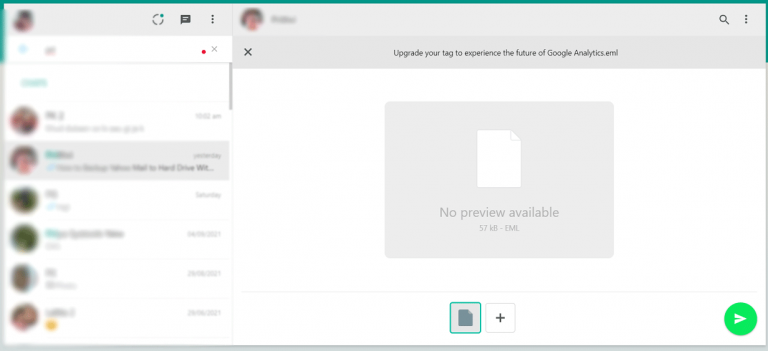
Step 6. Click on the chat where you want to send the email.
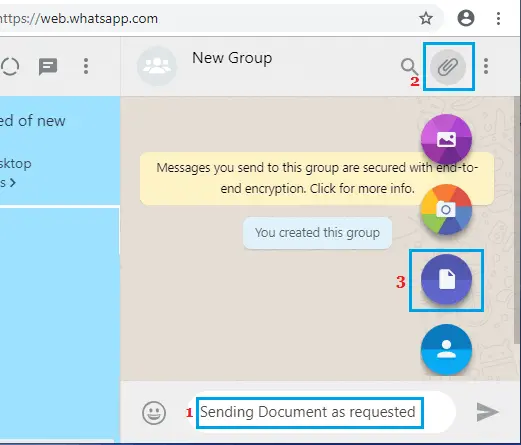
Step 7. Next, tap on the attachment icon >> select Documents and choose the PDF file you saved.
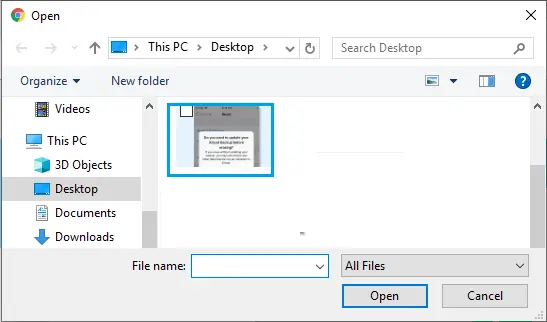
Step 8. Click Open and then click the Send button to share the PDF via WhatsApp.
Done!! You can send a single Outlook email to WhatsApp.
Repeat the same steps for the remaining Outlook emails. If you have Outlook emails in bulk and need an instant way, please refer to the below section.
How to Share Outlook Email to WhatsApp in Bulk?
Try Advik Outlook OST Converter to share Outlook email messages to WhatsApp with attachments. It automatically fetches mailbox data from the configured Outlook profile on your desktop. You can select the required email folders and export them.
Moreover, it has an advanced algorithm that enables you to send multiple emails from Outlook to WhatsApp supported file in one single attempt. Also, it maintains a complete Outlook mailbox folder throughout the process.
Click on the FREE download button and check all the working steps now!

Steps to Send Outlook Email to WhatsApp
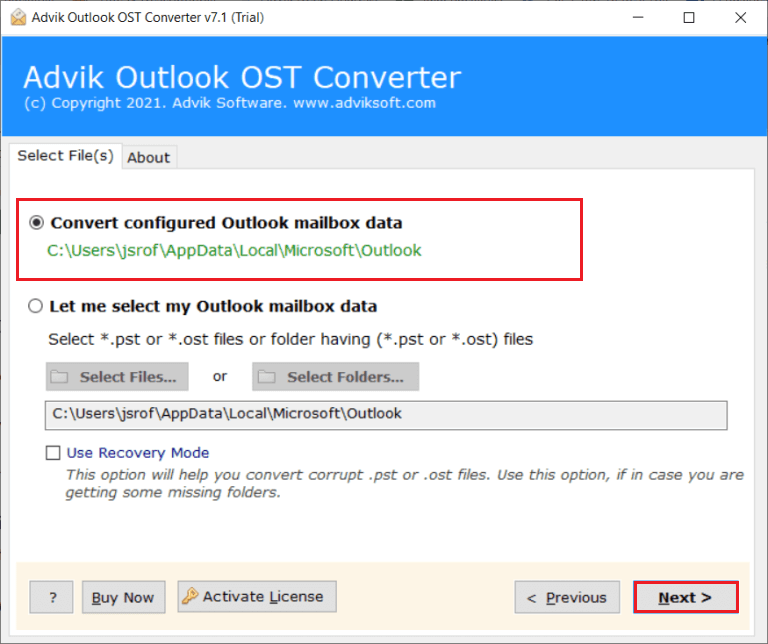
Step 1. Run the software and choose configured Outlook mailbox data.
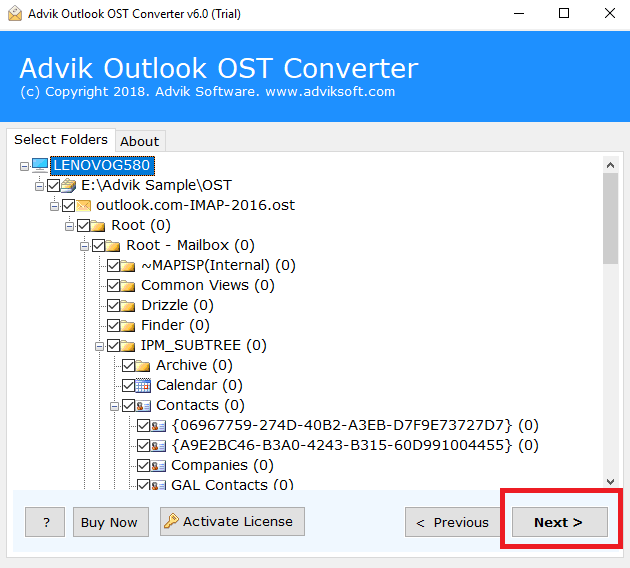
Step 2. Select the required mailbox folders to transfer & click Next.
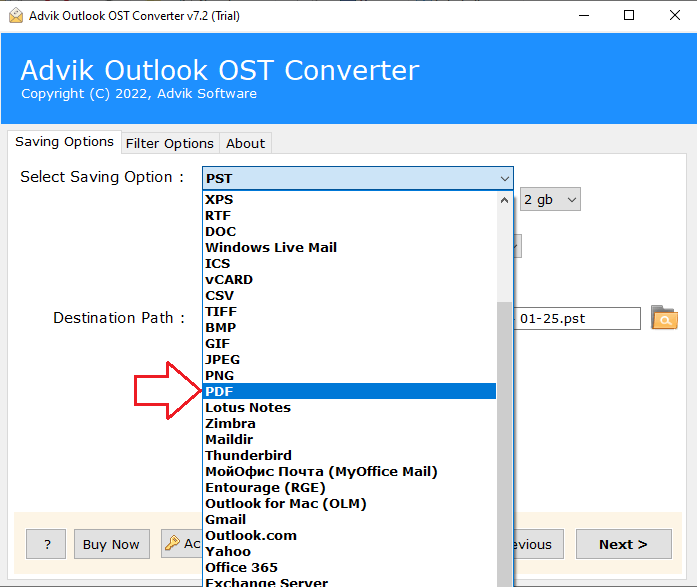
Step 3. Choose PDF as a saving option from the drop-down list.
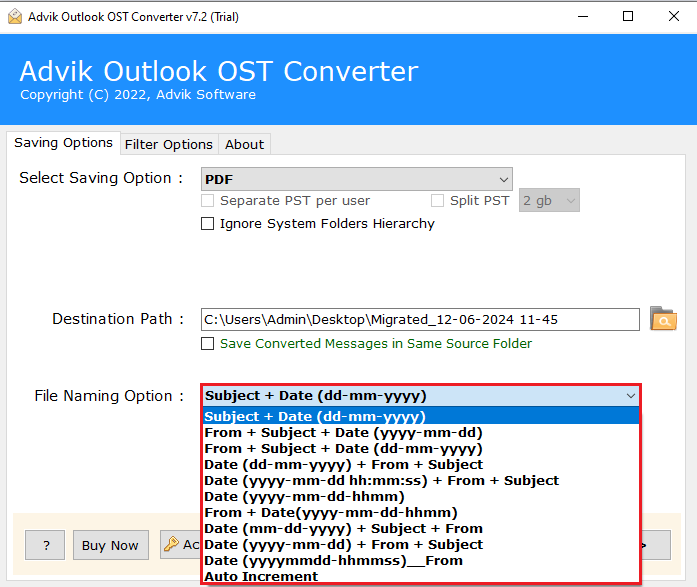
Step 4. Pick a file name from multiple options.
Step 5. Browse the destination path and click the Convert button to start.
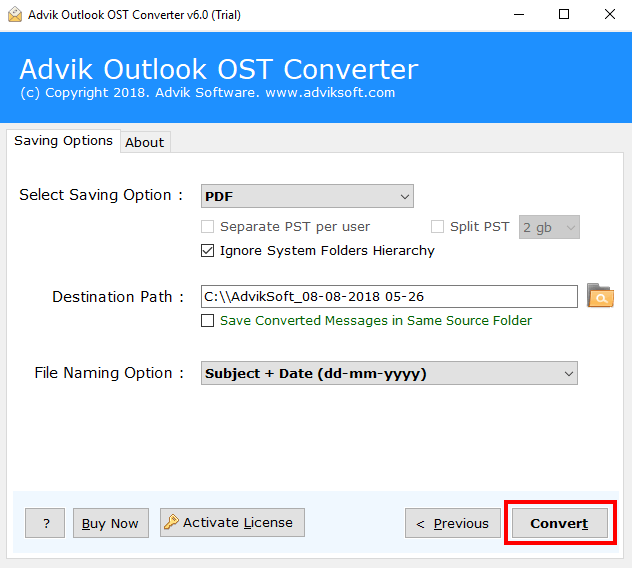
Step 6. The software will export emails from Outlook to PDF files.
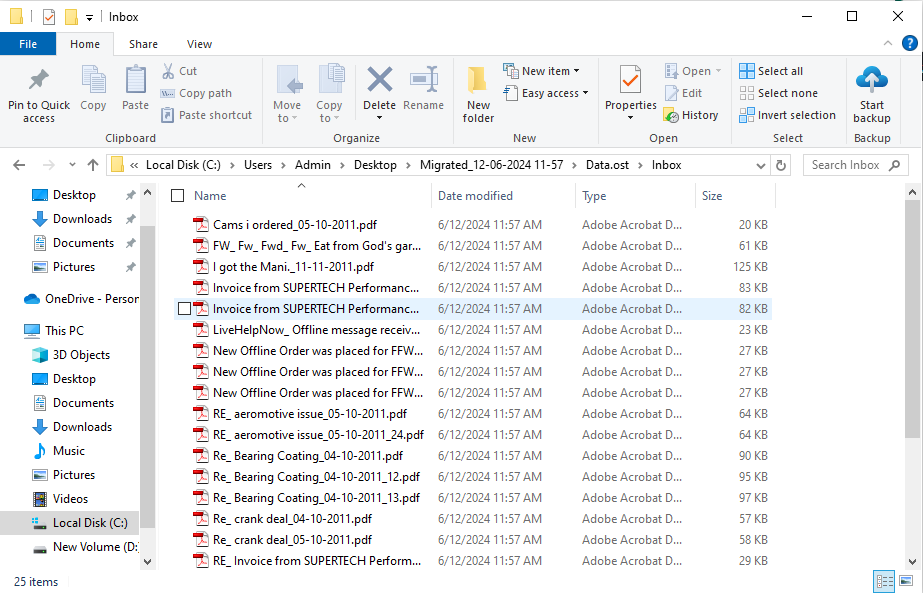
Step 7. Login to WhatsApp and drag and drop all the Outlook emails (.pdf) files to contact in your WhatsApp.
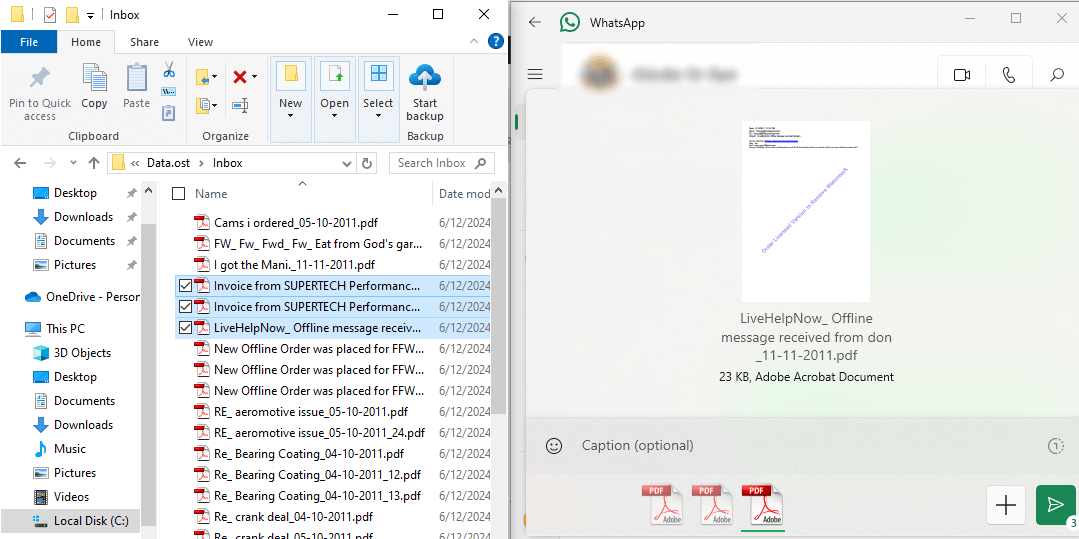
Finished!! In this way, you can easily send Outlook emails to WhatsApp easily.
Let’s take a look at some other benefits of using this automated software.
- Batch Conversion: This software can easily export multiple emails from Outlook to WhatsApp with attachments without any hassle. You can also choose the selective Outlook mailbox folders to transfer into WhatsApp.
- File Naming Option: The software lets you organize your converted data by sender, recipient, and date easily.
- Default Folders: Users can transfer Outlook email messages by date range from all default mailboxes, like inbox, sent items, and user-generated folders.
- With all Components: The software keeps all parts of the Outlook emails during conversion, including attachments, links, videos, images, and other data. It also maintains the original folder structure.
- Multiple Saving Formats: This tool offers several options to send Outlook emails to WhatsApp in formats like PST, EML, PDF, MSG, DOC, HTML, and other common file types that allow users to choose the format they need.
Watch How to Send Message from Outlook to WhatsApp
Conclusion
This post guides you on how to send Outlook email to WhatsApp using both manual and via automated software. However, a manual method is recommended only if you have a smaller number of Outlook emails. If you want to batch forward Outlook emails to WhatsApp, go for an automated tool only. You can first try out its demo version, which will let you to export the first 25 emails from each Outlook mailbox folder, then move ahead with a premium version.