How to Backup Horde Emails to Computer? Step-by-Step Guide
Christopher Plummer | January 2nd, 2026 | Data Backup
By creating a backup of your Horde webmail account, you can ensure that your email data is preserved securely. In emergency situations like data breaches, server issues, accidental issues, etc, you can easily recover your data. So, if you are also looking for a way to backup Horde emails, it is suggested to read this article to get more info.
Horde is a web-based email client that stores all your email data on a server. While accessing your emails is easy, it carries the risk of data loss, as you are dependent on the availability of the server or the internet.
By downloading emails from your Horde webmail account, you gain full access to your data. This ensures you always have secure access to your emails, attachments, folders, and more, even if problems arise in the future.
How to Backup Horde Emails Manually Using Built-In Options?
The very first method explains how to save Horde emails manually using the basic available option. Follow the instructions mentioned below;
- Log in to your Horde account from the website.
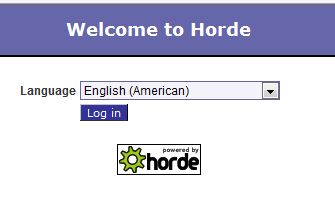
- Enter your Horde email address and password to log in.
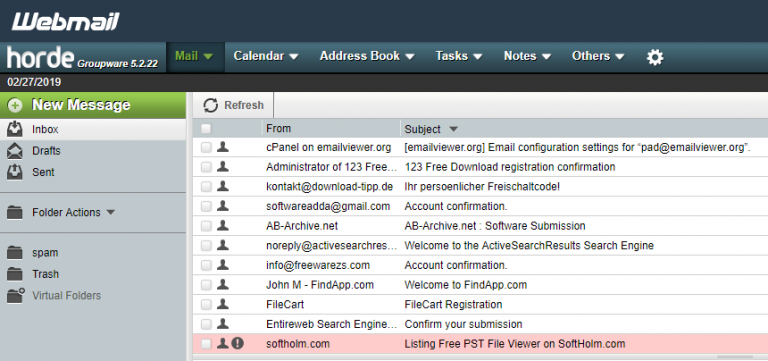
- Then, locate and choose the needed mailbox folders.
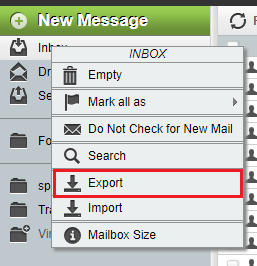
- Right-click the menu and select the Export option.
- Here, in the new tab, select a saving format. MBOX or zipped MBOX are the two alternatives.
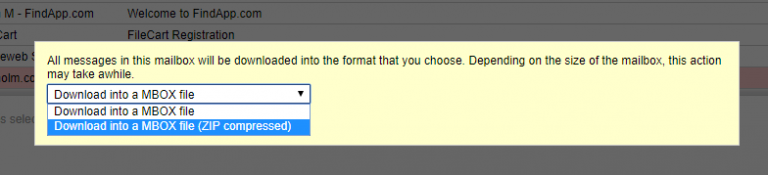
- Click the OK button after selecting the Zipped option.
Completed!! You have now successfully downloaded Horde emails to your computer.
Before implementing this method, you must note a few things;
You need to export each folder separately; it can be a bit time-consuming.
Because of this limitation, the manual method is best suited only for small mailboxes.
How to Download Horde Emails to PC? Easy Steps
Try Advik Email Backup Wizard to take backup of your Horde emails with attachments directly. By using this solution, you can save Horde emails into 30+ file formats, including document and any email file formats.
The tool has a separate option to choose the required Horde mailbox folders for backup process. You can even choose selective emails based on various advanced email filters such as specific date ranges, To, From, To, Cc, Bcc, Subjects, etc.
Click on the link below to download it for FREE to evaluate the performance.


Steps to Backup Horde Emails With Attachments
- Install and run Horde Backup Software on your PC.
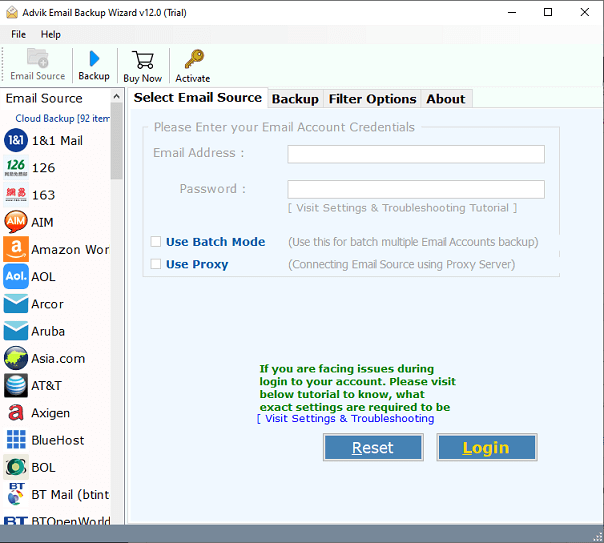
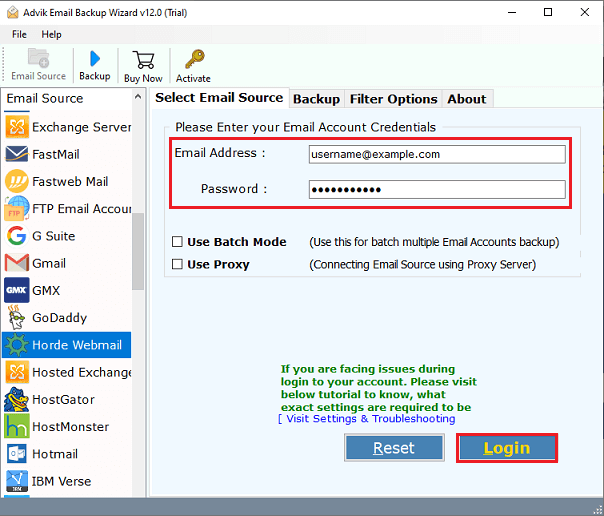
- Now select Horde Webmail from the list and enter your account credentials.
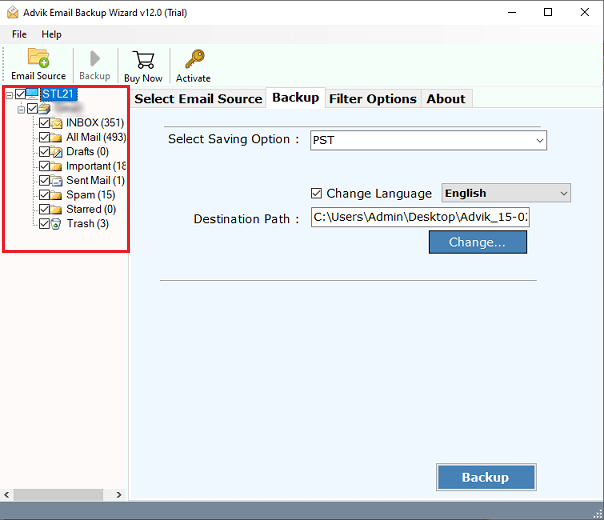
- Select the folders you want to backup on your PC.
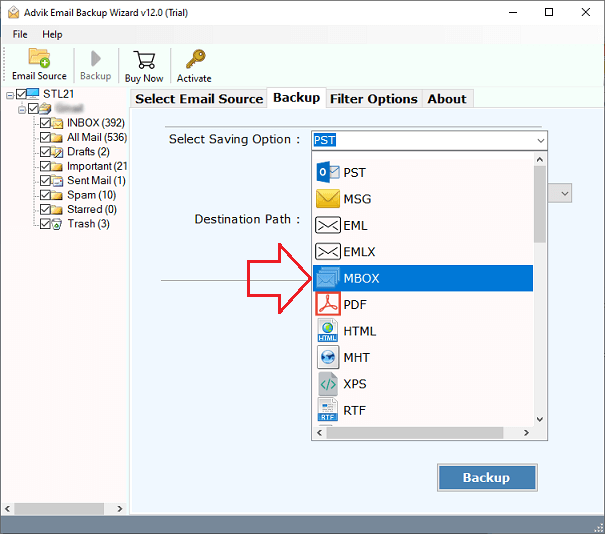
- Now, select your preferred saving option from the list.
- Choose your desired destination path and click on the Backup button.
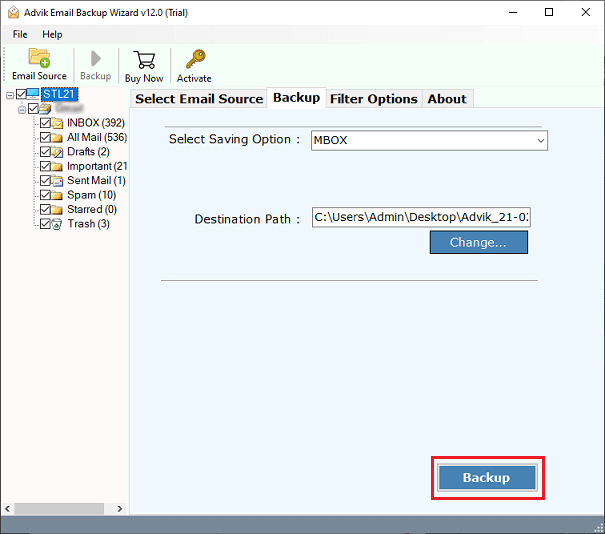
Done! You can now access your Horde emails in your chosen location.
Let’s take a look at some of the tool’s amazing features that may assist you in performing the Horde email backup process more easily.
- The utility exports all Horde emails, attachments, contacts, tasks, and other items.
- Horde emails will be restored in the same folders in any specified file format.
- The software fully guarantees the user’s email attributes for Horde emails.
- Users are free to choose a specific folder from the Horde mailbox as per their needs.
- Completely safe and error-free tool to backup emails from an infinite number of Horde accounts.
- The tool’s graphical user interface (GUI) is most appealing for non-technical users.
Watch How to Perform Horde Email Backup Automatically
Conclusion
The article outlines two effective methods to backup Horde emails: using Horde’s download option and an alternate approach. By implementing these solutions, users can ensure that their important Horde email data is securely stored and readily accessible for future use. It’s recommended to try both methods and see which one works best for you.
Frequently Asked Questions
Q 1. Does Horde have a built-in backup feature?
Ans. Yes, Horde has a built-in option to take Horde email backup.
Q 2. How do I export emails from Horde in bulk?
Ans. Using the automated tool, you can download all emails from Horde Mail at once.
Q 3. Is it possible to download Horde emails between 1 May 2022 to 31 April 2024?
Ans. Yes, using the advanced email filter feature, you can save emails from a specific date.
