How to Fix Gmail Keeps Asking for Password Issue (Step-by-Step)
Jenny Lowrence | December 23rd, 2025 | Data Backup
Learn how to fix Gmail keeps asking for password issue. This article will provide several ways to solve this problem. So, if you have the same issue keep reading.
Gmail is the most popular email service all over the world. It is widely used for personal or professional purposes. Sometimes, users face a frustrating problem where Gmail repeatedly asks for a password, even after entering the correct credentials. It usually happens due to incorrect settings, browser problems, sync issues, or security restrictions. In this article, we’ll discuss why Gmail keeps asking for credentials and provide simple steps to fix this issue.
Why Does My Gmail Keeps Asking for Password?
It’s important to understand the possible reasons before fixing this issue. Some reasons are:
- Incorrect or Changed Gmail password: If the password was recently changed and not updated on all devices or apps, Gmail will repeatedly prompt for authentication.
- Two Step Verification Enabled: When 2-step verification is turned on, regular Gmail passwords won’t work with third-party email clients, then App Password is required.
- Browser Cache and Cookies Issue: Corrupted cache and cookies can cause Gmail to ask for password again and again.
- Outdated Browser: Older versions of browsers may not support Google’s latest authentication methods.
- Suspicious Login Activity: Google may block sign-ins if it detects suspicious login activity or login from a new location or device.
- Sync Issues: Poor internet connection, disabled sync, or background restrictions can cause Gmail keeps asking for password again and again.
- Antivirus or Firewall Interference: Some security software blocks Gmail authentication requests.
- Less Secure Apps: If you have disabled Less secure apps access in your Google account, then Gmail will keep asking for login details repeatedly.
- Multiple Devices Trying to Access Gmail: If you are logged in from too many devices, such as laptops, phones, tablets, etc. Gmail will log you out to maintain security and ask you to sign in again and again.
How to Fix Gmail Keeps Asking for Password Issue?
Here are some tried and tested ways to solve Gmail keeps asking for credentials issue. Let’s get started!
#1. Verify Your Gmail password
1. Sign in to your Gmail account.
2. Ensure the password is correct.
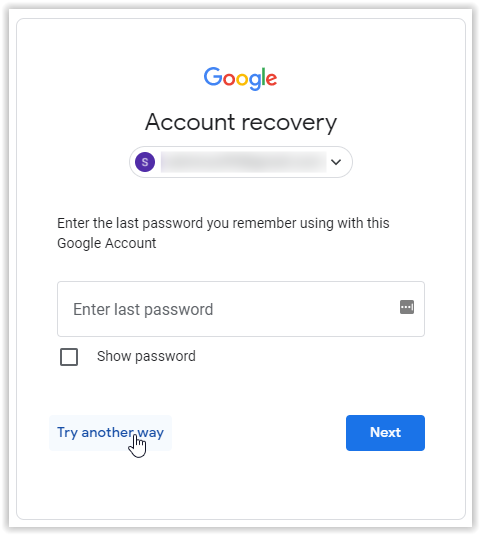
3. If unsure, reset your password using Google’s recovery option.
#2. Clear Browser Cache and Cookies
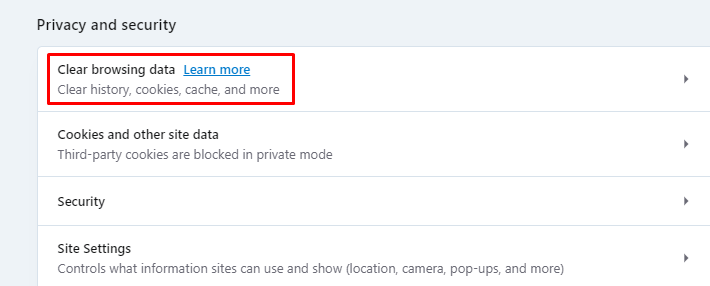
1. Open your browser settings.
2. Go to Privacy & Security >> Clear browsing data.
3. Select Cookies and Cached images and then click Clear data.
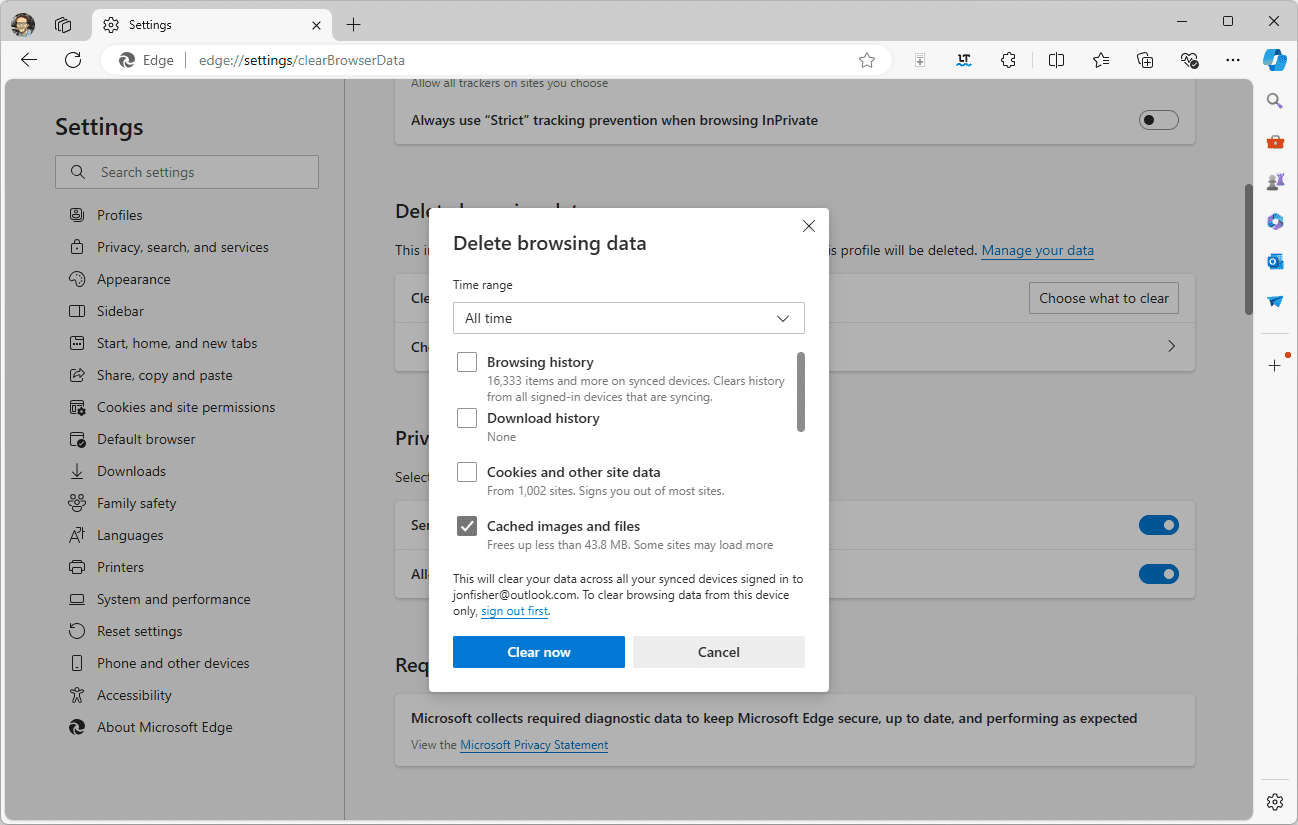
Now, restart the browser and sign in again to check issue is solved or not.
#3. Check Google Account Security Settings
1. Open Gmail account and go to Security.
2. Review recent security alerts.
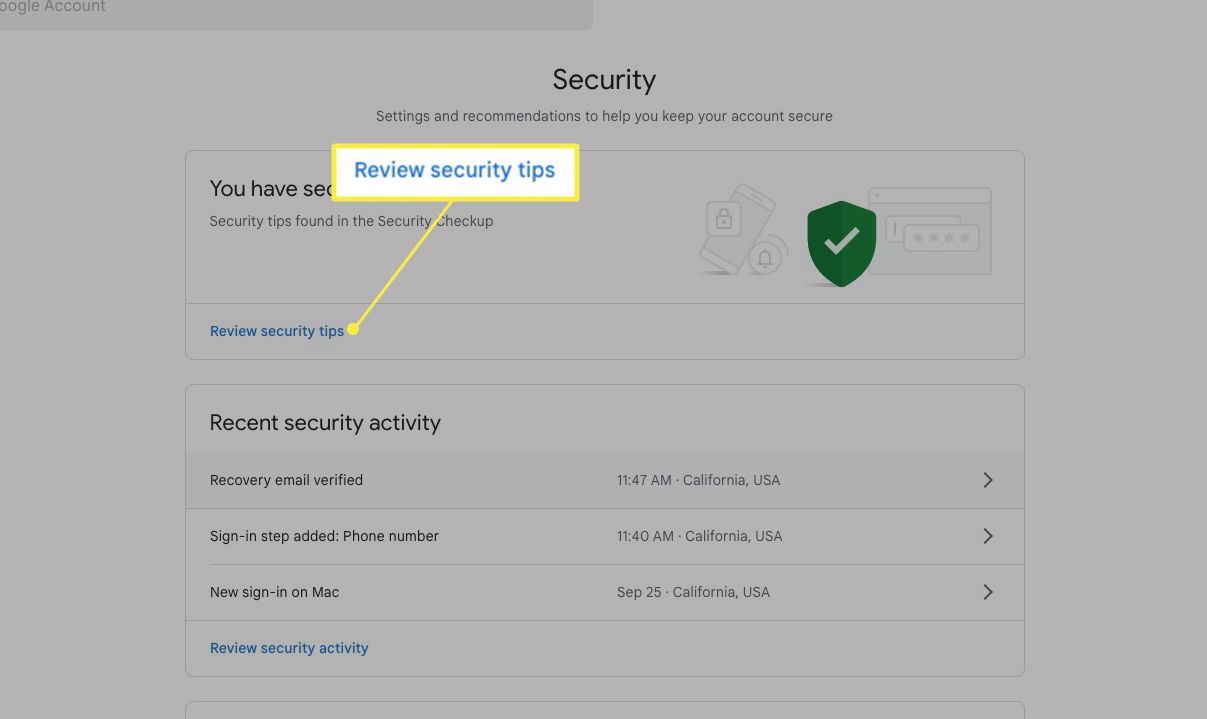
3. Confirm it was you who tried to sign in.
4. Allow access if blocked.
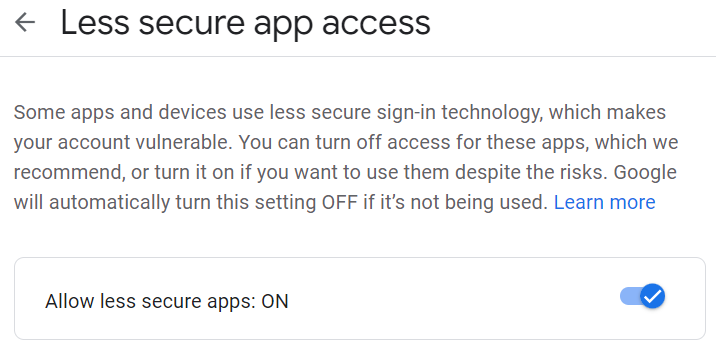
#4. Enable Less Secure Apps
1. Log in to your Gmail account.
2. Go to Google Account >> Security
3. Turn on the Allow less secure apps option.
#5. Disable Antivirus or Firewall
Some antivirus programs may block Gmail authentication. So, temporarily disable the antivirus or firewall, and then sign in again to check Gmail keeps asking for password again and again is solved or not.
#6. Update Your Operating Systems
Ensure that you are using operating system is up to date.
1. Go to Settings >> Update & security
2. Click Check for updates.
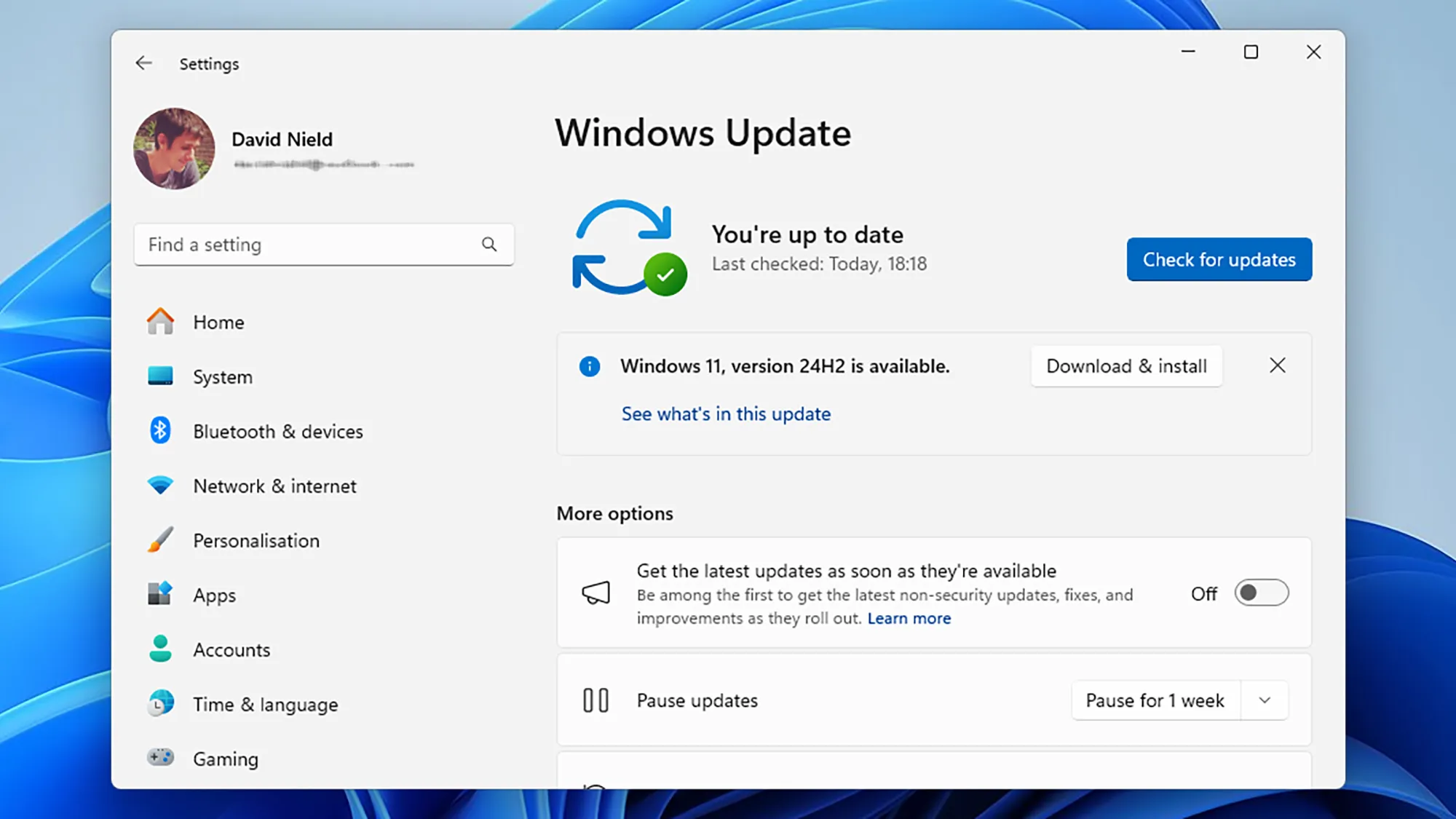
3. If recent updates are available, then install them.
#7. Stay Sign Out Gmail on All Devices
Sometimes, Gmail shows some errors, including asking for password when there is server maintenance. Simply sign out of your Gmail account from all your devices and wait some time before you login again.
#8. Visit Google Account Help
If the above methods are not helpful to fix Gmail keeps asking for password, then visit Google Account Help and submit your issue.
Alternative Approach to Resolve Gmail Asking for Credentails Repeatedly
If you are unable to solve Gmail keeps asking for password using manual methods, using the expert solution may be beneficial for users. One such tool is the Advik Gmail Backup Tool that allows you to download Gmail emails to hard drive/pc/computer and access them when you are inaccessible your account. It offers various saving options to save Gmail emails into multiple formats. Additional. it ensure the mailbox folder hierarchy while downloading.
Conclusion
If your Gmail keeps asking for password, you can apply any of the explained methods. Asd noted, this issue is caused by different factires but the good news is that there is a solution for every issue. By following the step-by-step solutions, you can quickly resolve the problem and regain uninterrupted access to your Gmail account.