How to Import MBOX to Spark Mail? Best Possible Solution
Jackson Strong | November 18th, 2025 | Import Emails
Many users use MBOX file format to store email messages, but to manage emails, you need a mail client. So, if you are looking to import MBOX to Spark Mail, we will help you to save your time.
Spark Mail is an email application to manage emails and comes with various useful features. Such as unified inbox, settings, categories, user-friendly interface, etc. However, importing MBOX files to Spark Mail isn’t easy due to compatibility issues.
That’s why, to carry out this task easily, we will provide a direct and efficient way.
How to Import MBOX to Spark Mail?
If you have been frustrated and tired of looking for various methods, try Advik MBOX Converter now. It is the perfect solution to import MBOX files into Spark Mail. It is a stand-alone utility, which means you do not need to install any other applications to complete the importing process. The software has a dual mode that allows you to import multiple MBOX files in a single attempt. Plus, it preserves data integrity and the original structure of emails throughout the process.
Download the software and try it for free.


Steps to Import MBOX Files to Spark Mail
- Run this automated tool on your system.
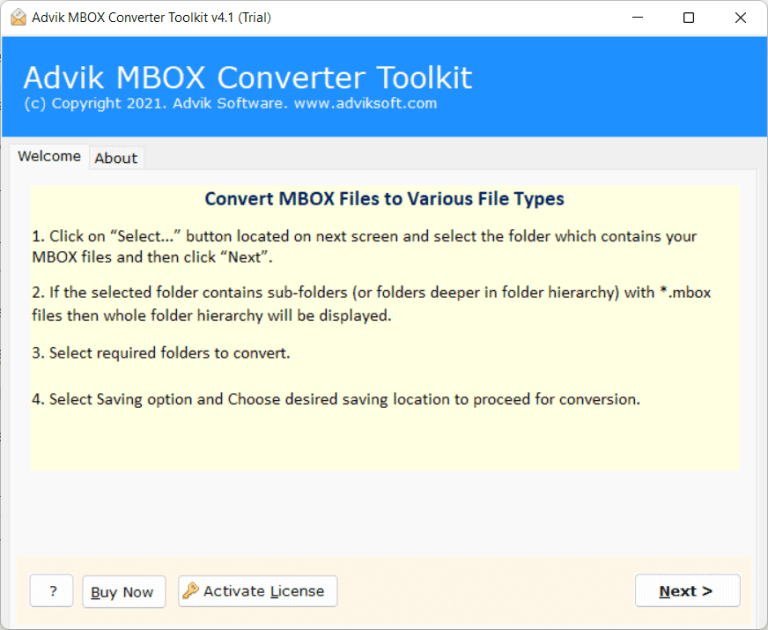
- Click on Select Files or Select Folders to add MBOX files.
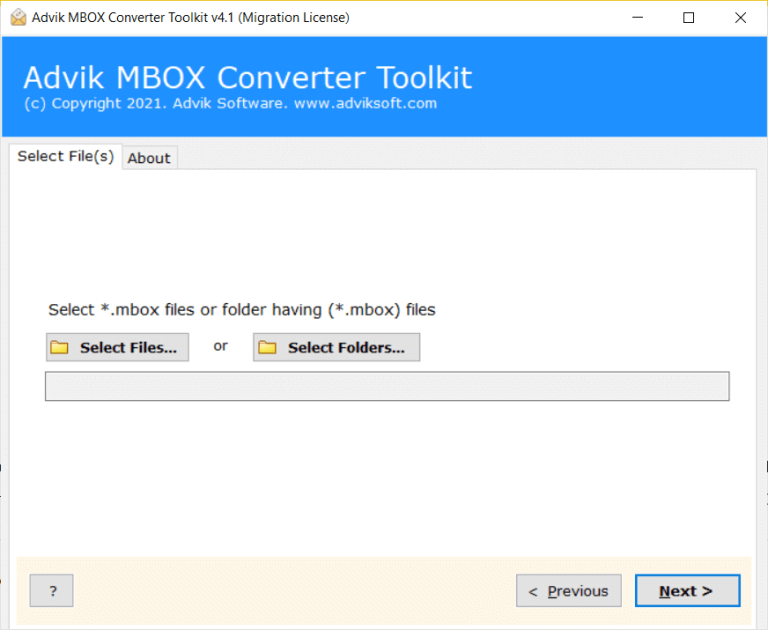
- Choose folders and sub-folders that you want to import.
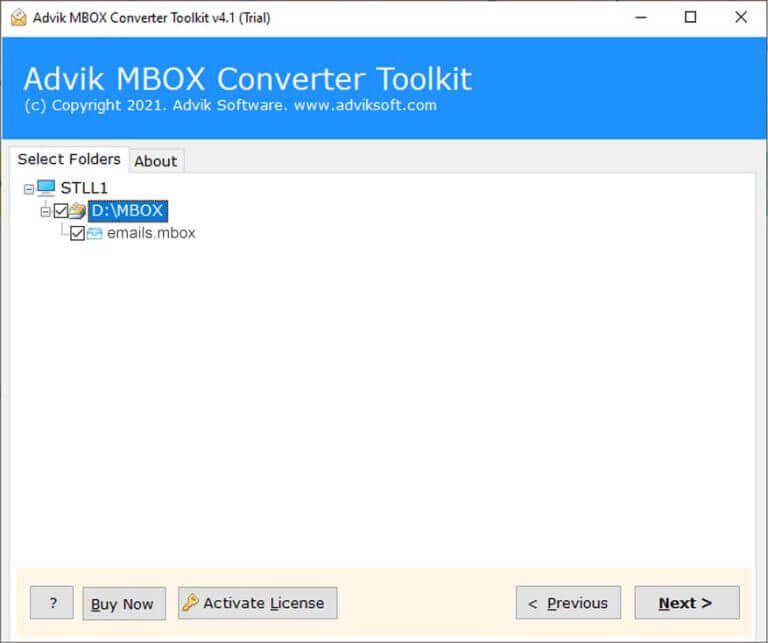
- Select IMAP as saving option from given list.
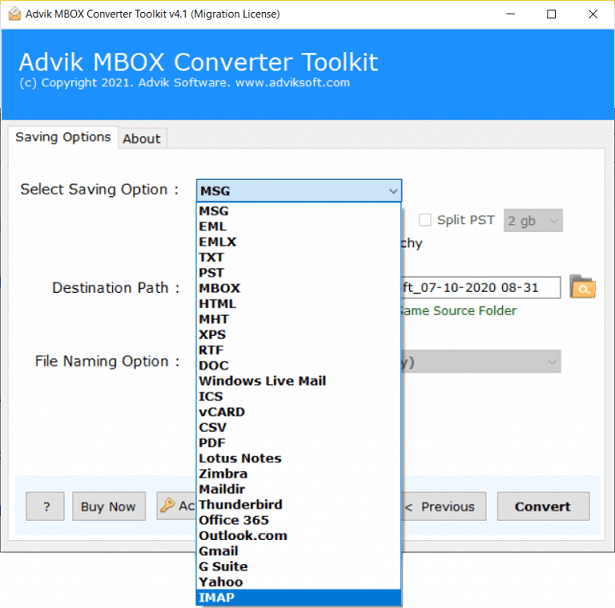
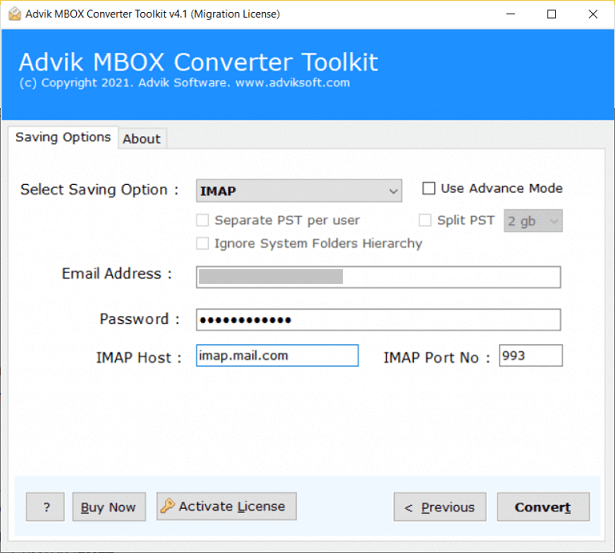
- Enter Spark Mail app configured email account login details.
- Click on the Convert button to start the importing process.
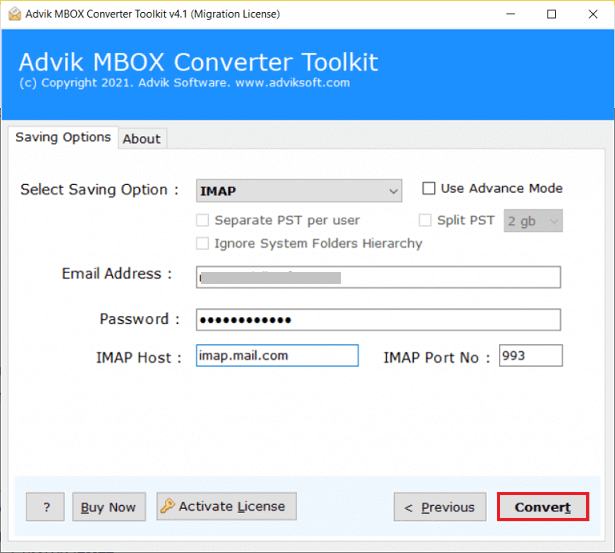
In this way, one can import MBOX emails to Spark Mail client. Now, open your mail app and check the transferred emails there.
Watch How to Open MBOX File in Spark Mail
Why Rely on a Professional Solution?
The software provides various features that make the importing process so simple. Some of them are given below-
- Import MBOX to Spark Mail in bulk with full accuracy.
- Maintains all key attributes of emails during the process.
- Convert MBOX to PST, PDF, TXT, EML, and 10+ formats.
- Supports all MBOX file types from Thunderbird, Apple Mail, Postbox, etc.
- Secure and error-free solution that does not lose a single bit of data.
- Preserves folder hierarchy and email formatting during migration.
- Various advanced filters to import selective emails.
- Import MBOX to Gmail, Office 365, Yahoo Mail, etc.
- Designed with an advanced and simple graphical interface.
- No file size limitation – import large MBOX files without any issues.
- Ensures 100% data integrity with no email modifications.
- Fast processing speed with minimal user effort.
- Provides detailed migration reports for tracking the process.
- Free trial version and 24/7 technical support team.
Conclusion
In this guide, we explored how to import MBOX to Spark Mail. With the suggested tool, you can efficiently transfer MBOX emails to Spark Mail client without any technical expertise. To evaluate its performance, you can try the free version before making a decision.