How to Import PST to Amazon WorkMail?
Jackson Strong | November 7th, 2025 | Email Migration, Outlook
In today’s digital world, everyone wants easy access to their emails from anywhere, at any time. Due to these reasons, users are constantly migrating to a web-based platform. Recently, we got a query on “How to import PST to Amazon Workmail?” AWS Workmail is a cloud-based email service with a managed email management facility. In this blog, weIn this article, we’ll show you the two most reliable ways to migrate PST file to AWS Workmail.
Let’s start the process without any further delay!
How to Import PST to Workmail Manually?
Amazon Workmail does not offer an in-built option to import .pst files. However, with the help of Outlook, you can do it.
Follow these steps to open PST file in Amazon Workmail account:
- Launch Outlook and go to File >> Add Account.
- Set up your AWS Workmail account in Outlook.
- After configuration, go to File >> Open & Export >> Import/Export.
- Choose Import from another program or file and click Next.
- Select Outlook Data File (.pst) and press Next.
- Browse and select the .pst file that you want to import.
- Choose Amazon Workmail mailbox to import and click Finish button.
Done! In this way, you can manually import PST to Amazon Workmail.
Limitations of Manual Approach
- Outlook installation is required
- Lengthy and complex process.
- Takes a lot of time to import large PST files
- Not suitable for bulk importing
How to Migrate PST Files to Amazon Workmail Automatically?
Download and install Advik PST File Converter software on your Windows PC. This software will help you to transfer emails from PST file to AWS Wormail directly. It will maintain and hold the mailbox folder structure. Also, all the email attributes will remain preserved during email transfer. It can import PST to AWS Workmail in bulk. Also, it offers advanced email filter options to import only selective data items.
Click the button below to download the software for free.

Steps to Import PST to Amazon WorkMail
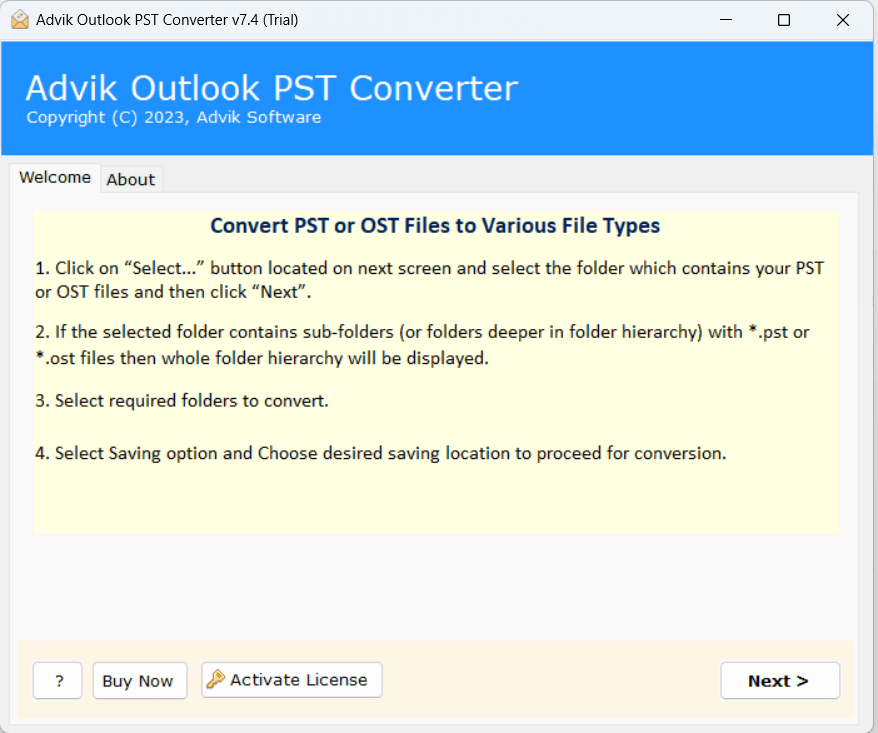
- Run software on your Windows PC.
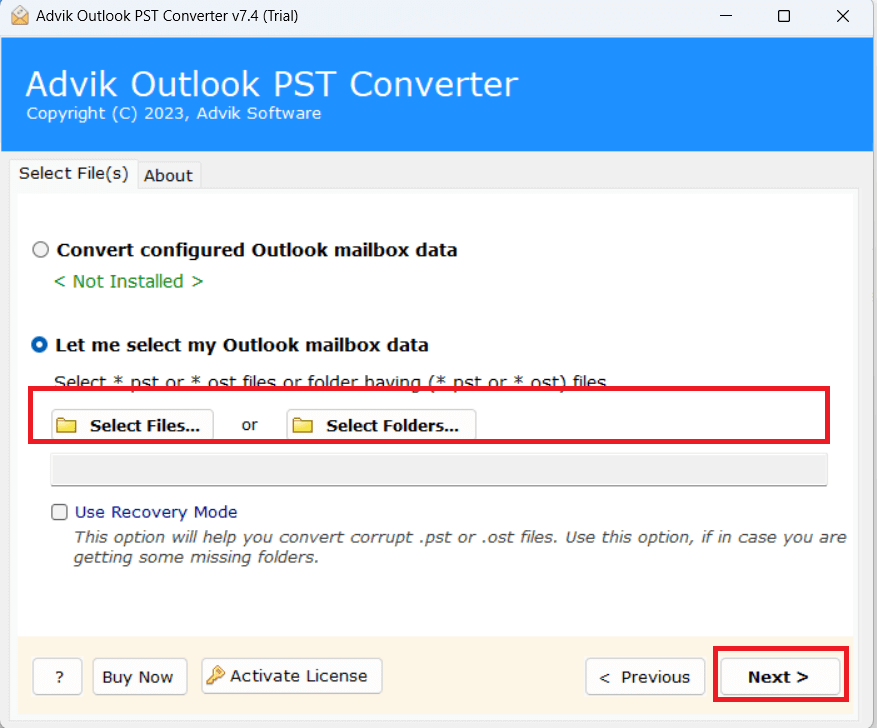
- Click on Select Files or Folders to Add PST files.
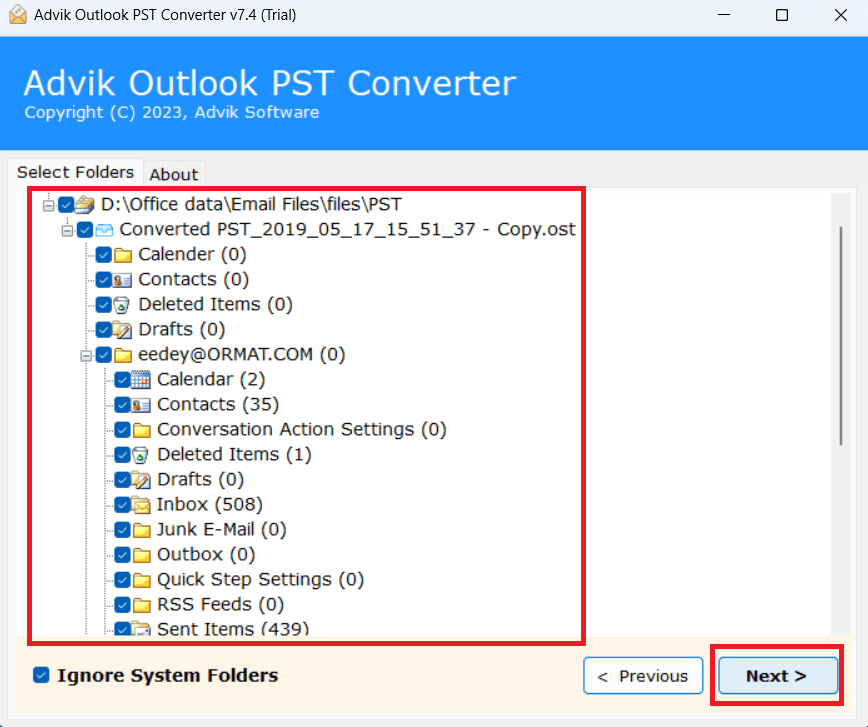
- Select mailbox folder to export into WorkMail.
- Choose Amazon Workmail from the file-saving list.
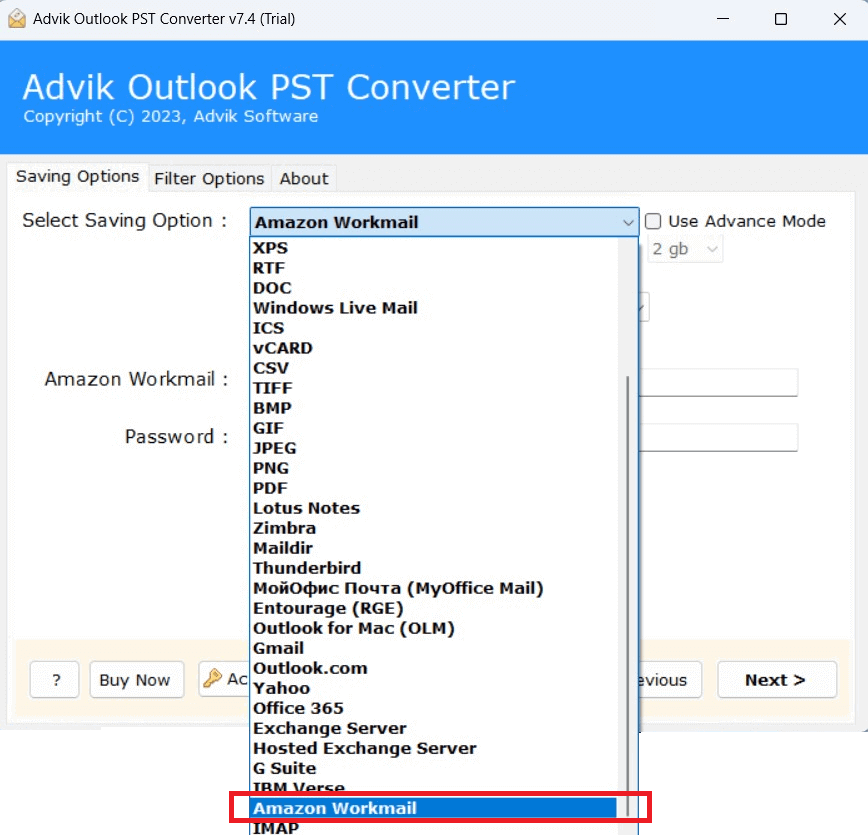
- Enter AWS WorkMai credentials and Click Next button.
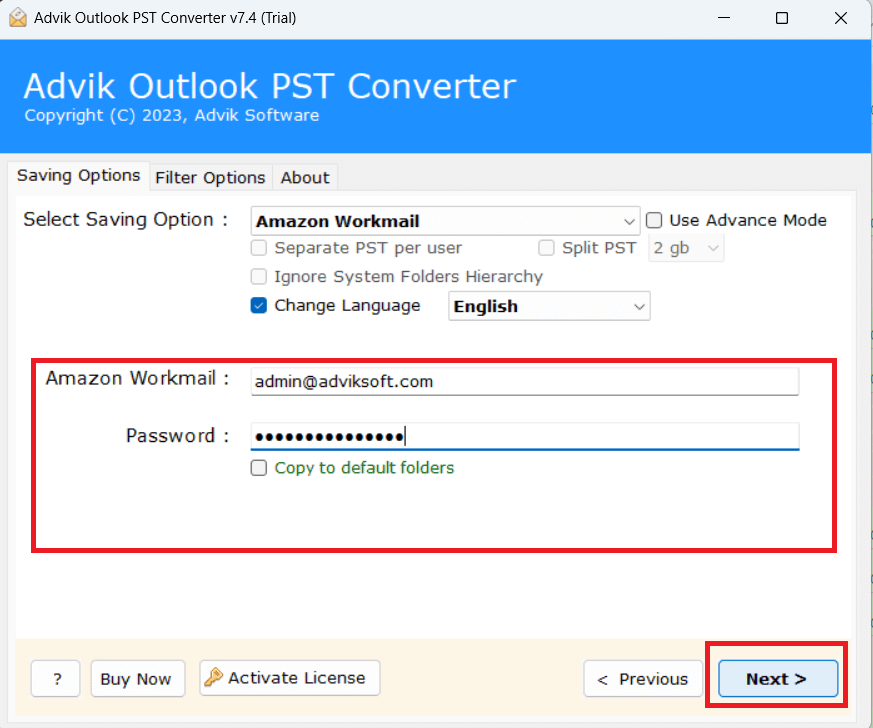
The software will immediately start uploading emails from PST file to Workmail. After the process is finished, the software will display a successful notification.
Amazing Features of Advik PST Converter Tool
The PST to Amazon Workmail converter comes with various beneficial features that make this task easy and according to the user’s needs. Some of the highlighted features are-
- Directly import PST to Amazon WorkMail without Outlook in the system.
- Supports all versions of the Windows Operating System including latest Windows 11.
- Capable of exporting both ANSI and UNICODE type PST files to WorkMail.
- Upload multiple PST files into AWS Workmail
- Option to choose single or multiple folders from PST file
- Comes with Recovery mode that helps to recover corrupted PST file items.
Watch How to Import PST Files into Amazon Workmail
Closing words
In this post, we have discussed how to import PST to Amazon Workmail. Here, we have mentioned both manual and automated solutions. You can choose any method that is most suitable for you. However, if you want a fast, direct, and secure solution, then we recommend you use the above-suggested tool that can migrate PST to Amazon WorkMail quickly. You can download its trial version to test its efficiency.
Frequently Asked Question
1: Can I convert large sized PST files to Amazon WorkMail?
Yes, the software is capable to import any large size of PST files without showing any limitations or errors.
2: Does this tool transfer the PST file of Outlook 2019?
Yes, you can easily transfer PST files from Outlook 2019 and all below editions.
3: Can I import emails from corrupted PST file to AWS WorkMail?
Yes, the tool also comes with recovery mode option that allows you to import emails from damaged PST file.
