How to Migrate Roundcube to Outlook.com?
Jenny Lowrence | February 16th, 2026 | Email Migration
While Roundcube provides basic email management through web hosting servers, Outlook.com offers a powerful cloud-based platform with enhanced security, calendar integration, and seamless access across devices. Thta’s why many users want to migrate Roundcube to Outlook.com. but they are confused about the right method to move their mailbox. In this article, we’ll explain two different methods to transfer Roundcube emails to Outlook.com.
- Manual Method via IMAP Configuration
- Professional Solution
Let’s move ahead to know each process in deatil!
How to Migrate Roundcube to Outlook.com Manually?
There is no direct native solution to perform Roundcube to Outlook.com migration. You can manually transfer Roundcube emails to Outlook Web App by configuring both email accounts with email client like Outlook. However, this method works in multiple phases. Follow the below given steps;
1. Add Roundcube Account into Outlook
- Open MS Outlook on your system.
- Click on File menu and choose Add Account.
- Set up your Roundcube account in Outlook.
- Now, Outlook will start sync Roundcube emails.
2. Export Roundcube Mailbox Data
- After configuration, click File >> Open & Export >> Import/Export.
- Choose Export to a File from Import/Export wizard.
- Select Outlook Data File (.pst) and click Next.
- Choose Roundcube mailbox folders that you want to migrate.
- Click on Browse to choose destination path and click Finish.
3. Add Outlook.com Account to Outlook Profile
- Now, again go to File >> Add Account.
- Enter Outlook.com account details to configure it.
4. Import Roundcube Data to Outlook.com
- Again, navigate to File >> Open & Export >> Import/Export.
- Select Import from another program or file.
- Choose Outlook Data File (.pst) and hit on Next.
- Select the above exported .spt file and import it into Outlook.com mailbox folder.
The process is complete!
Why Is Manual Solution Not Recommended?
- The process of migrating Roundcube emails will take time.
- You need technical knowledge when you are syncing your account using IMAP.
- No option for selective email transfer.
- An email client must be installed on your system.
How to Transfer Emails from Roundcube to Outlook.com Directly?
Users can take the help of automated software to complete the Roundcube to Outlook.com migration without having any problems. By using the Advik Roundcube Backup Tool, users can solve the issue of migrating Roundcube emails to Outlook.com. It preserves the folder hierarchy and email structure as well, without any single change. With the help of this program, userscan move selective folders from Roundcube to Outlook.com.


Steps to Migrate Roundcube Emails to Outlook.com
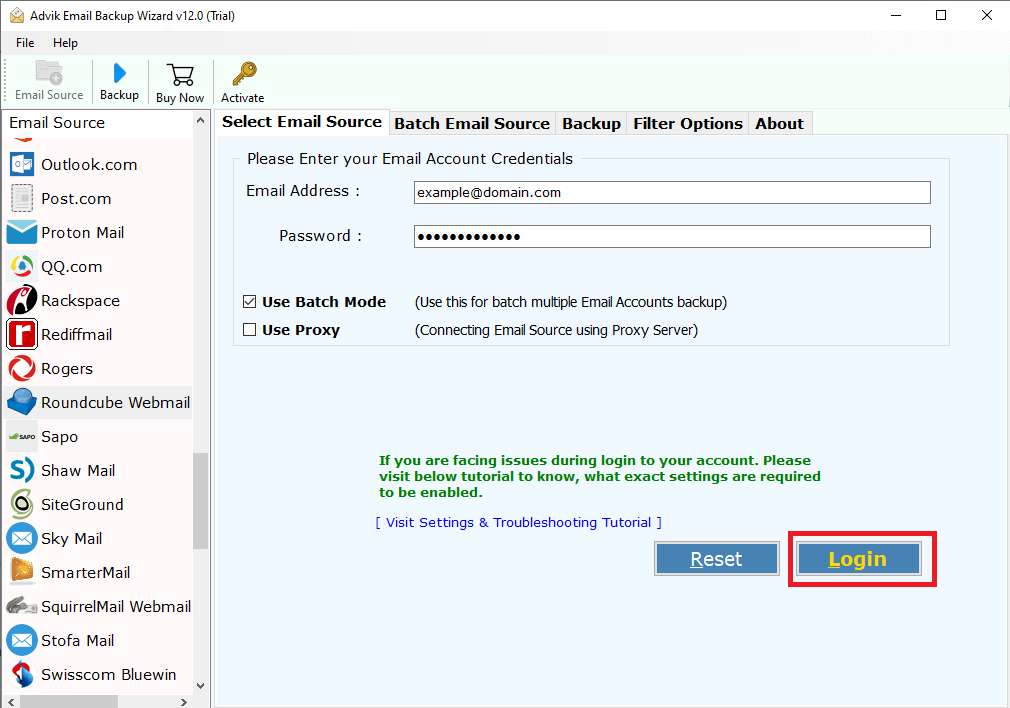
1. Run the tool and enter Roundcube login details to sign in.
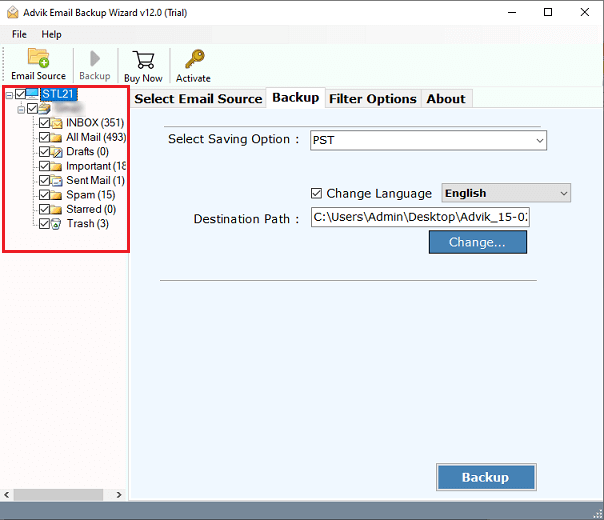
2. Choose the required mailbox folders & subfolders.
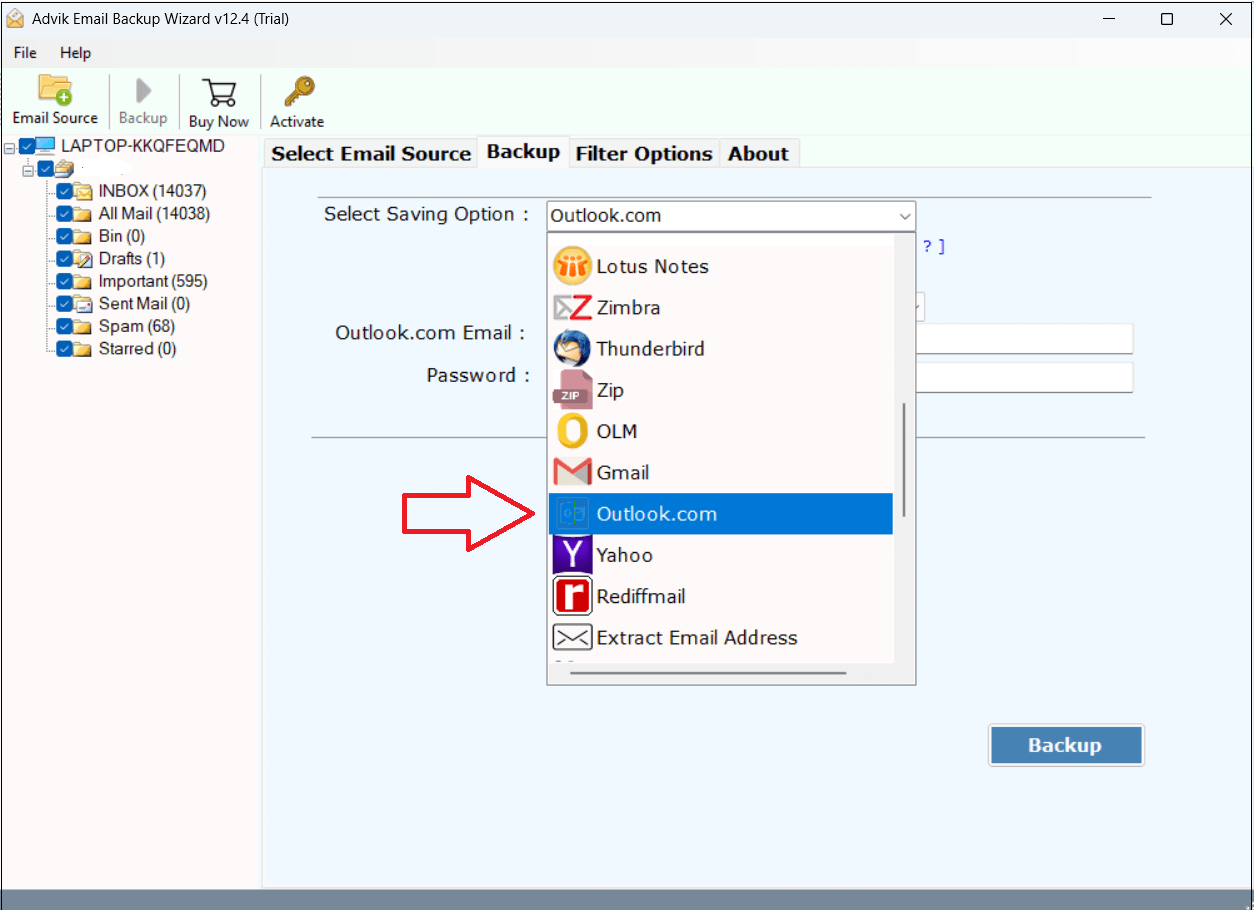
3. Select Outlook.com as a saving option.
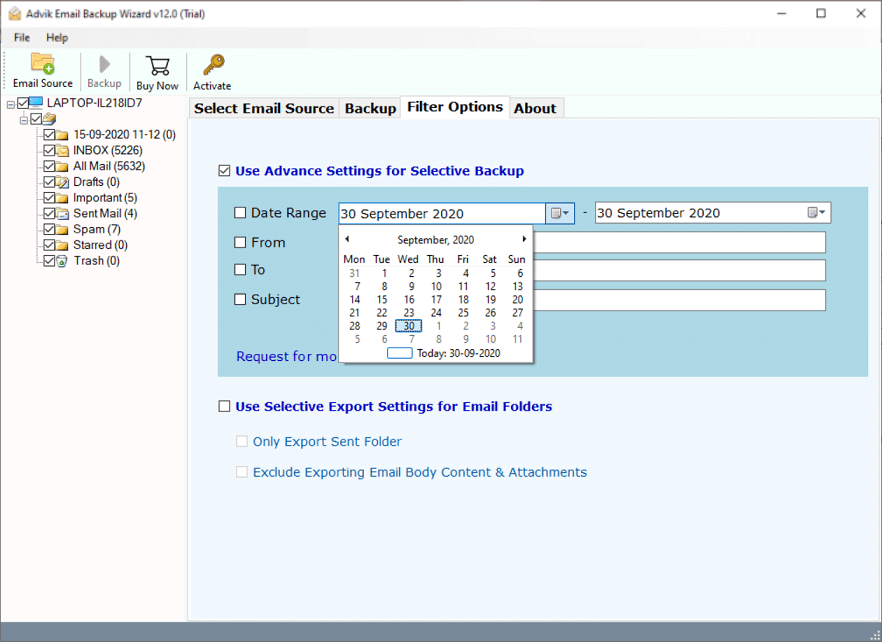
4. Apply filter options. (If required)
5. Enter Outlook.com account login credentials and click Backup.
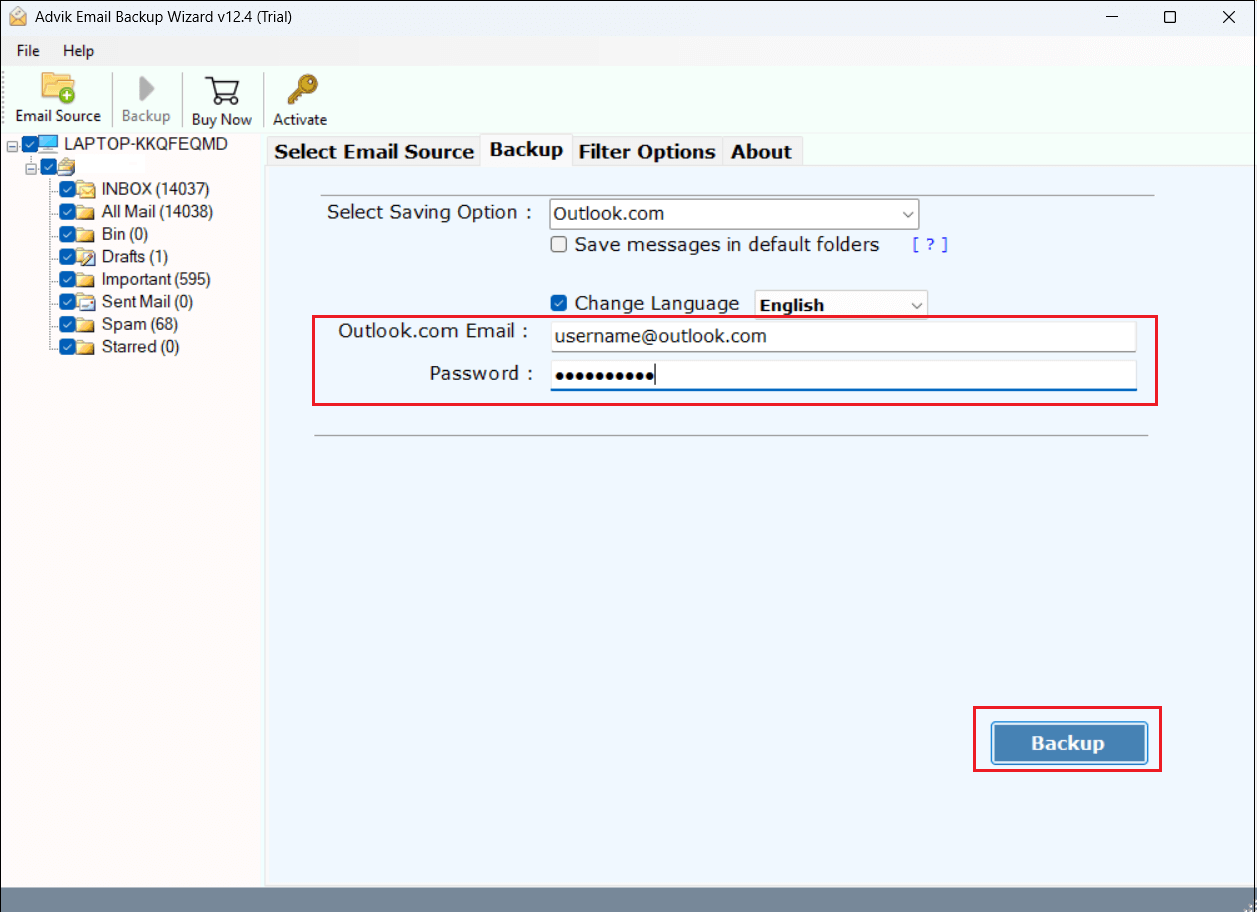
6. The software will start migrating emails from Roundcube to Outlook.com.
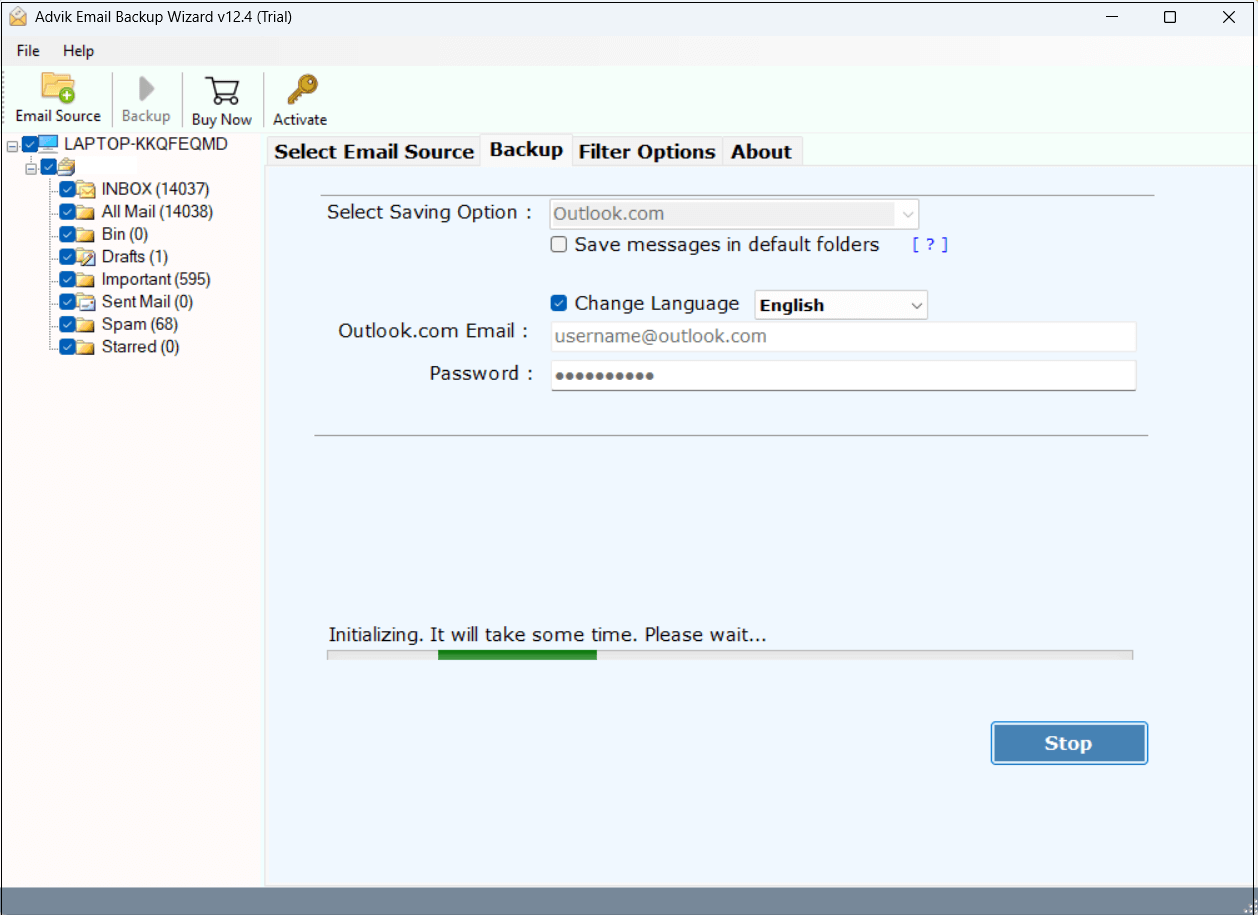
Done! This is how you can move emails from Roundcube to Outlook Web App.
Salient Features of the Roundcube to Outlook.com Migration Tool
- This software has the capability to migrate the entire mailbox in one go.
- Users can selectively transfer Roundcube emails based on date range, to, from, etc.
- It maintains the original folder hierarchy while migrate Rounddcube to Outlook.com.
- The tool keeps email attachments, To, Cc, Bcc, Subject, HTML, and all items.
- A batch mode option to migrate emails from multiple Roundcube accounts to Outlook.com.
- This utility is specially designed for both professional or non-professional users.
- One can install this tool on any Windows and Mac operating system.
- Users can utilize the demo edition to test the working potential of this application.
Final Verdict
In this blog, we have described two different ways to migrate Roundcube to Outlook.com. The manual method is time-consuming and very technical as well. While the software makes it easier to transfer Roundcub emails to Outlook.com. The trial version is also available by which users can migrate up to 25 emails from each folder for free.