TalkTalk Email Not Working? Fix Now!
Jenny Lowrence | December 23rd, 2025 | Data Backup
Is your TalkTalk email not working? You are not alone. Many TalkTalk users face this problem when they are not able to access their TalkTalk email account. It can be very frustrating for users like you who have been using Talktalk.net email addresses for personal or work-related communication.
In this article, we will explain why this issue occurred, how you can fix it, and what steps you can take in the future to avoid similar problems. So, read till the end to find the right solutions and manage your TalkTalk email account easily.
Why is My TalkTalk Email Not Working? Know Here
Before we get into the solutions, let’s understand the common reasons TalkTalk mail is not working today.
- TalkTalk webmail not loading: It might happen that at this moment, TalkTalk webmail is not loading due to any server issues.
- Email login failed: If you have entered the wrong login credentials, then there is a high chance that you will not be able to log in.
- Emails not sending or receiving: It’s possible that your emails got stuck in the Outbox, or you have stopped receiving new emails.
- Authentication or password errors: You may see password-related prompts or security-related error messages.
- Email not syncing on phone: New emails don’t appear on your Android or iPhone, even though the internet is working.
- TalkTalk email not working in Outlook: Outlook or any other email client may show errors when it fails to connect to the TalkTalk server.
If you find any of these issues, follow the tried and tested solutions below.
Methods to Fix TalkTalk Webmail Not Working Issue
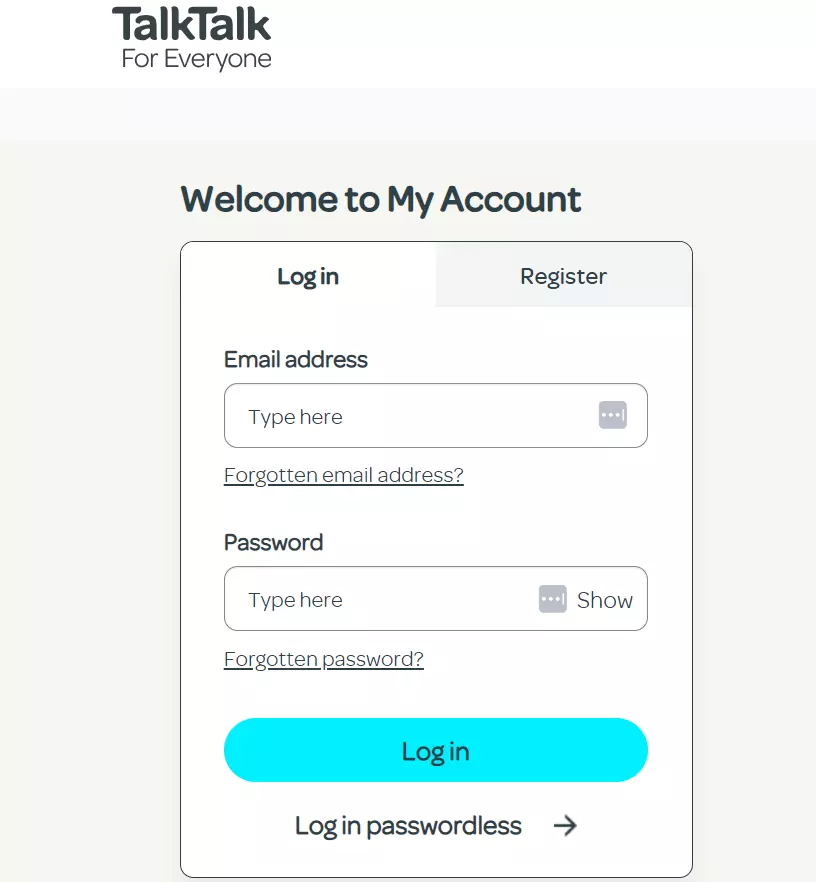
1. Check Login Access: Try the official webmail: apps.talktalk.co.uk. If login works here but not in an app, it’s usually a settings issue.
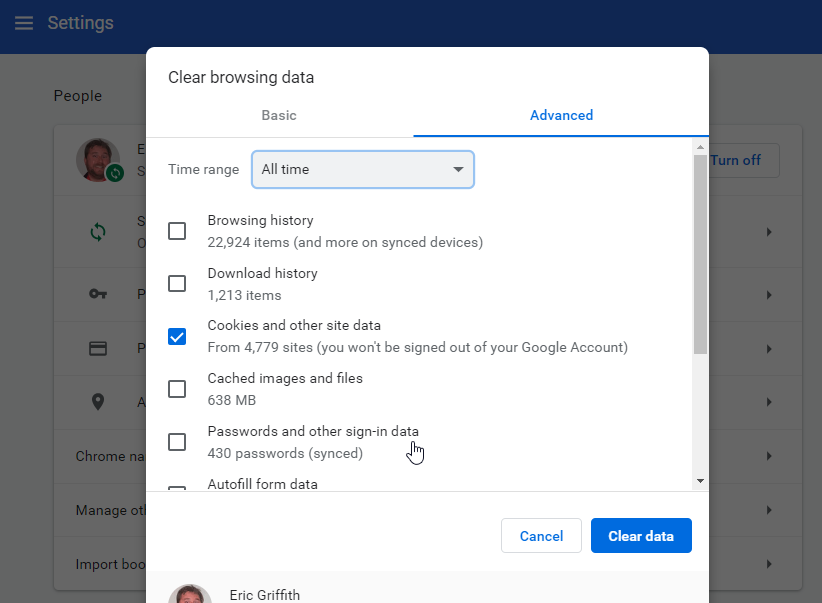
2. Clear Browser Cache: Try to clear the browser history, cache, and cookies. And, if webmail won’t load or shows a blank page. Close and reopen the browser.
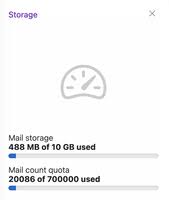
3. Check Mailbox Storage: TalkTalk Mail has storage limits, and if your inbox exceeds the quota limit, you won’t receive new emails. So, try to delete old emails or empty folders you don’t need.
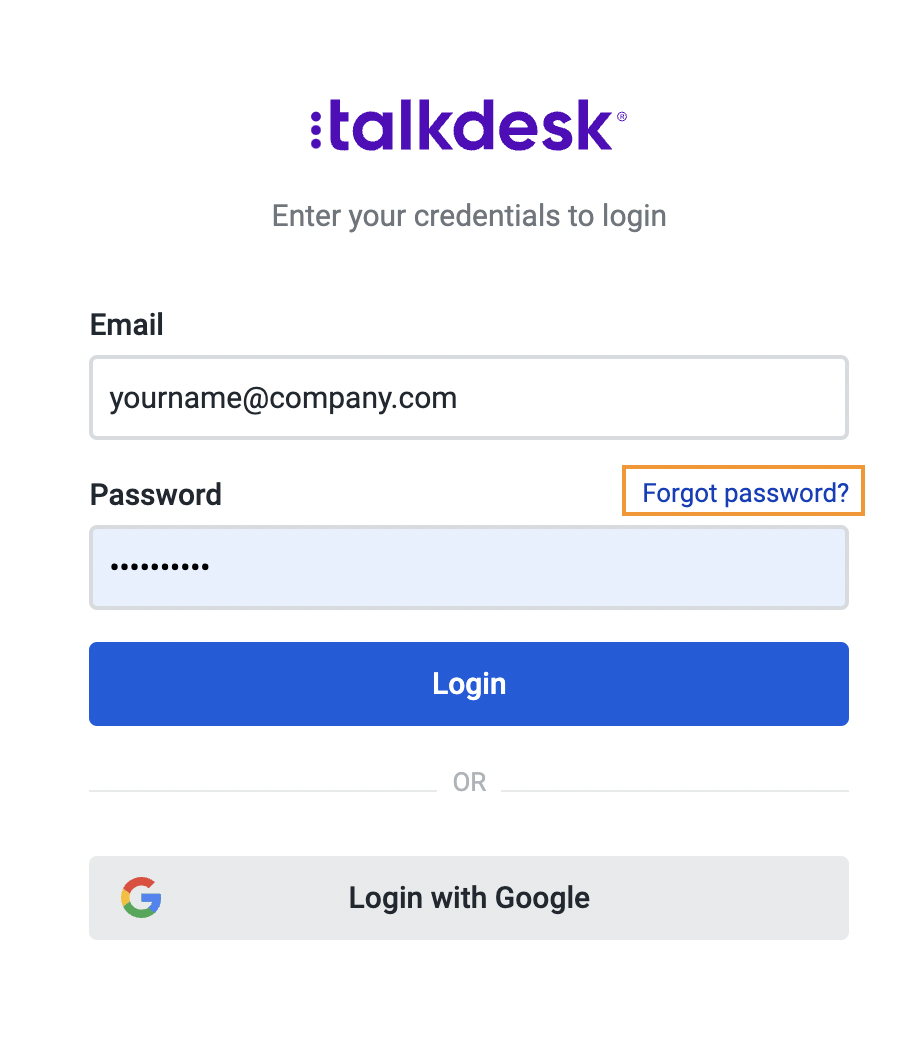
4. Reset Password: Try to reset your password to see if there is any issue with the password details.
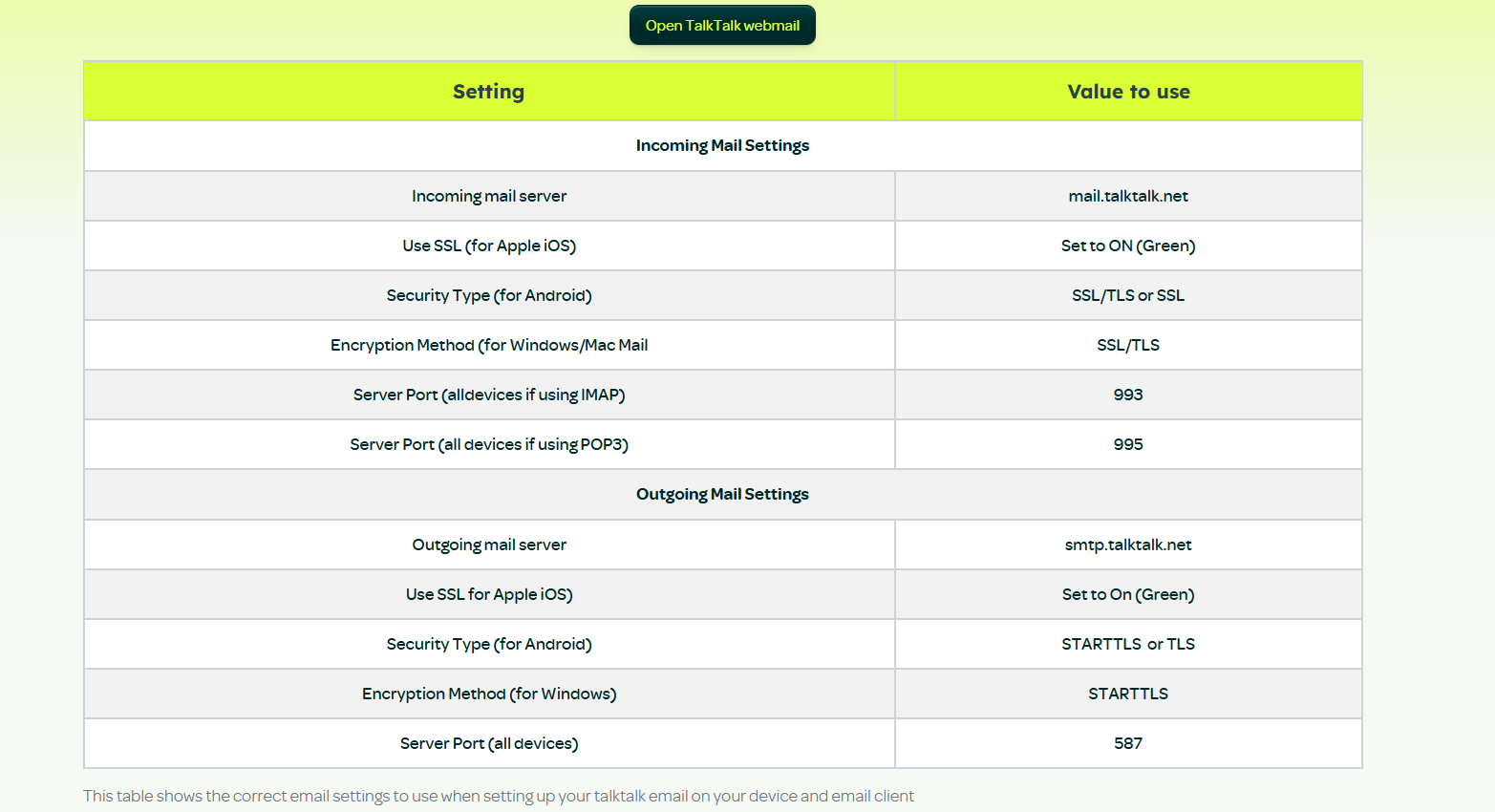
5. Verify Email App Settings: Check that you have used the recommended TalkTalk IMAP email settings. If you are still confused, then you can verify your details from this side.
So, these were the methods
Preventive Tips to Handle TalkTalk Email Not Working Problems
Because of the 2025 email changes, users, especially former TalkTalk broadband customers, should:
- Download and backup TalkTalk emails data before login access ends.
- Consider migrating to a different email provider.
- Subscribe to the new email service if you want to keep the current address.
Frequently Asked Questions
Q1. Is TalkTalk email down today?
Ans. Sometimes TalkTalk services face temporary outages. Try to check Webmail or contact support to confirm this.
Q2. Why does TalkTalk email work on webmail but not Outlook?
Ans. This usually happens due to incorrect IMAP or SMTP settings in Outlook.
Q3. Can I recover emails if my TalkTalk email stops working?
Ans. Yes. You can access your TalkTalk emails via webmail or backup using proper methods.
Conclusion
This blog has addressed the most asked query on the internet: why is TalkTalk email not working? We hope that you have read this article and understood all the methods explained in this article. By following them, you can understand why TalkTalk Mail was not working and what to do if this type of situation occurs.
