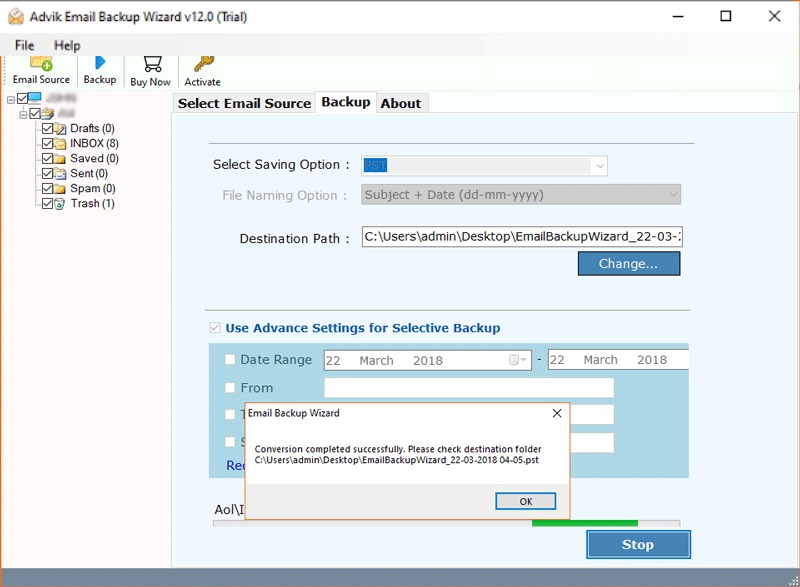
Explore how backup tool can simplify data management for iCloud Mail users across various needs.
Backup Emails for Data Protection
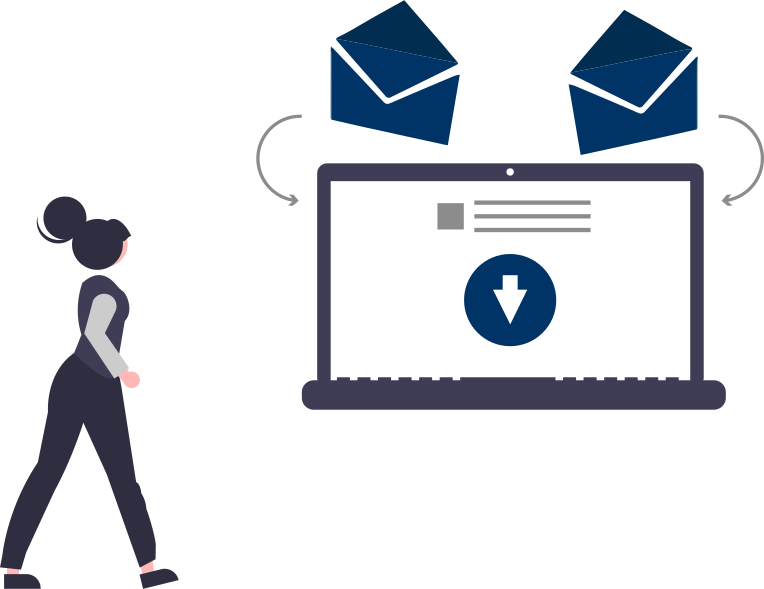
The Advik iCloud Backup Software helps you securely backup iCloud emails to computer with complete mailbox data. You can save your data in popular formats like PST, EML, MBOX, PDF, and more, ensuring you have an offline copy available at all times. This is especially useful for protecting your data from accidental deletion, hacking, or server issues. It offers an easy-to-use interface to backup iCloud data with a few clicks. You can choose specific folders or backup everything at once.
Email Migration
Migrate iCloud emails to Gmail, Office 365, Yahoo Mail, and other email platforms without any hassle. The Advik iCloud Email Backup Tool ensures a smooth email migration process by maintaining the folder hierarchy, attachments, and email metadata. This is ideal for users switching to a new email service or consolidating multiple accounts into one. It provides advanced filters to transfer selected emails based on date, subject, or sender. With its direct login feature, you only need your iCloud credentials to start the migration.
Email Conversion
Convert iCloud emails into PDF, HTML, DOC, CSV, and more. This feature is perfect for those who need to archive emails in specific formats for documentation, sharing, or compliance purposes. The conversion process keeps all email components, including attachments, intact. The software allows you to choose from multiple formats to ensure compatibility with your needs. It also supports file naming options that allow you to organize converted emails systematically for easy retrieval.
Now save or download iCloud emails to PC/Computer/Hard Drive
iCloud Mail Backup Tool takes complete account backup of the iCloud Mail account. You do not need to repeat the steps again and again download folder one by one. There are no limitations on the mailbox size for backup. It can export large mailbox data with complete accuarcy. With this tool, you can save iCloud emails to PC/Computer/Hard Drive/USB without any hassle.
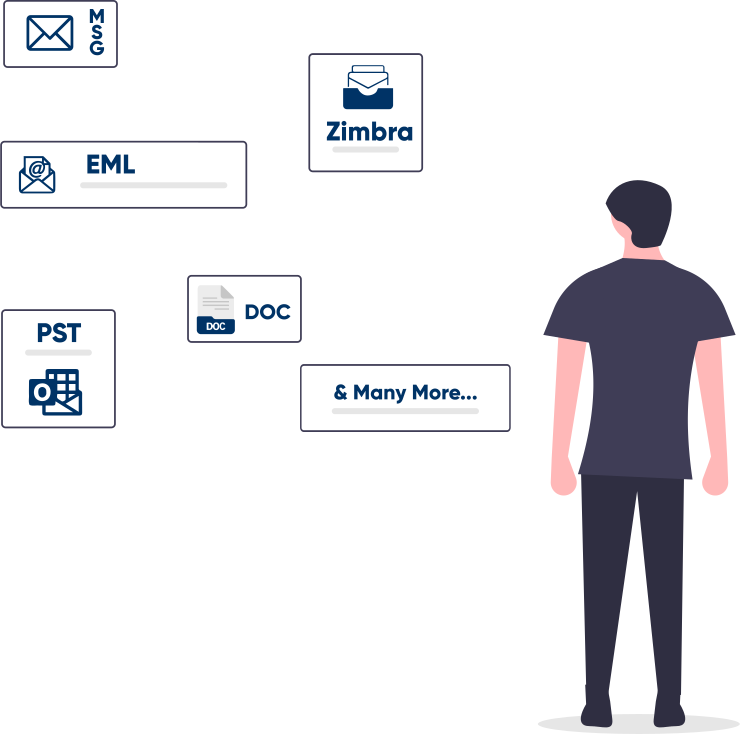
Advik iCloud Backup Tool offers various popular file formats in which you can save your emails and folders. Using this software users can easily export iCloud to PDF, MBOX, PST, EML, MSG, HTML, CSV, and many more. The variety of saving options is a great help for universal user requirements. You don't need to buy a separate application to convert or export emails. A complete email backup wizard is right here.
Want to skip useless and unwanted emails from backup? The software provides this option to apply several filters to create specific email backup and removes the rest. Filter Options are; Date Range, Sender and Receiver details, Exclude or Include Folders, Subject Name, etc. With this feature, you will be able to save plenty of time and manual effort. In the end, you will be able to backup iCloud emails of your choice.
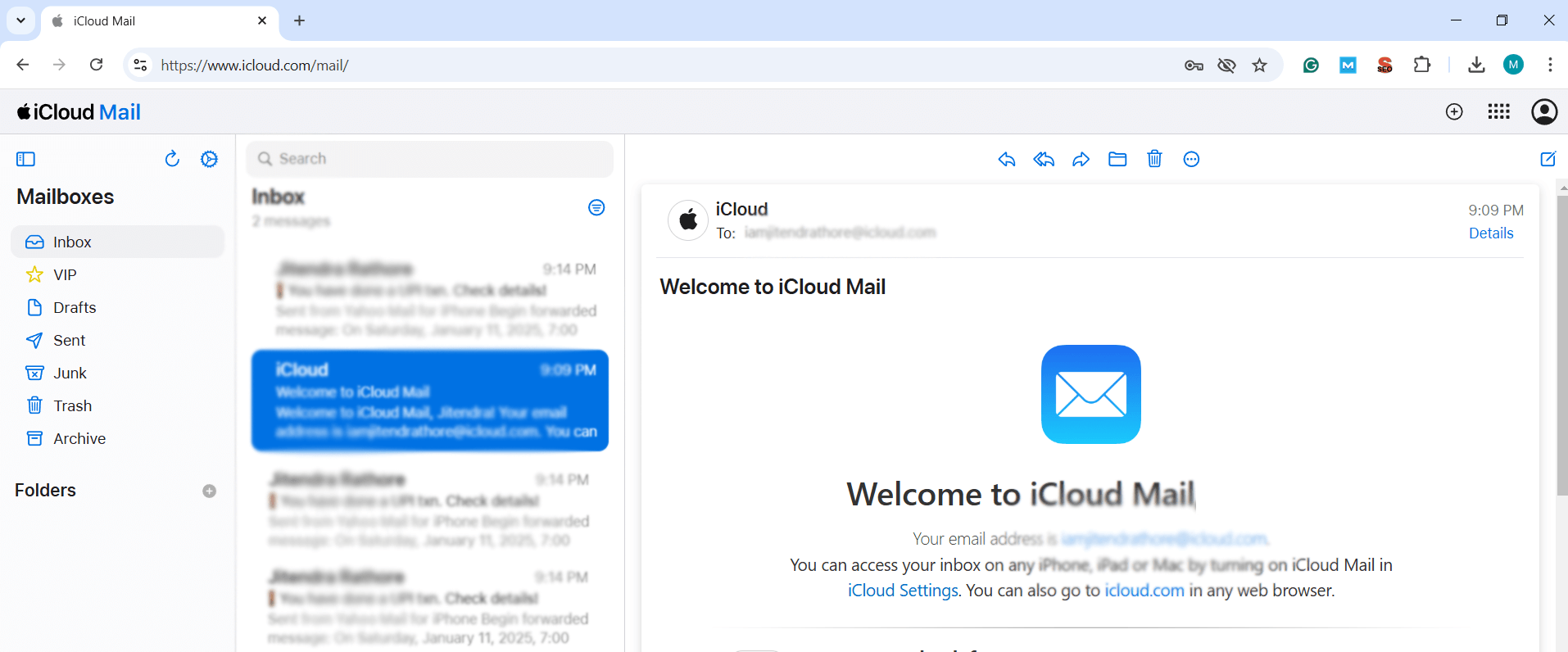
Open, Sign in, and Download iCloud Emails to PC
Follow the below steps to download emails from iCloud mail account to PC;
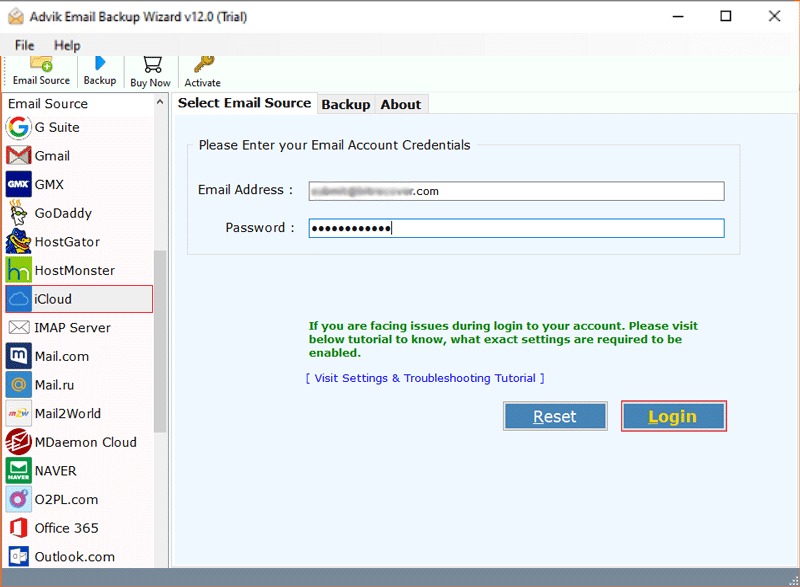
Open the software and choose iCloud as the email source.
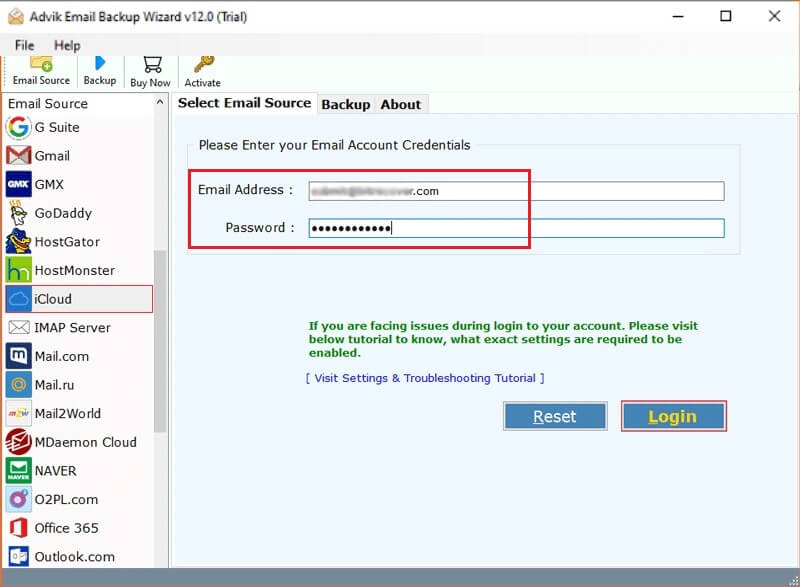
Enter your iCloud account details and sign in.
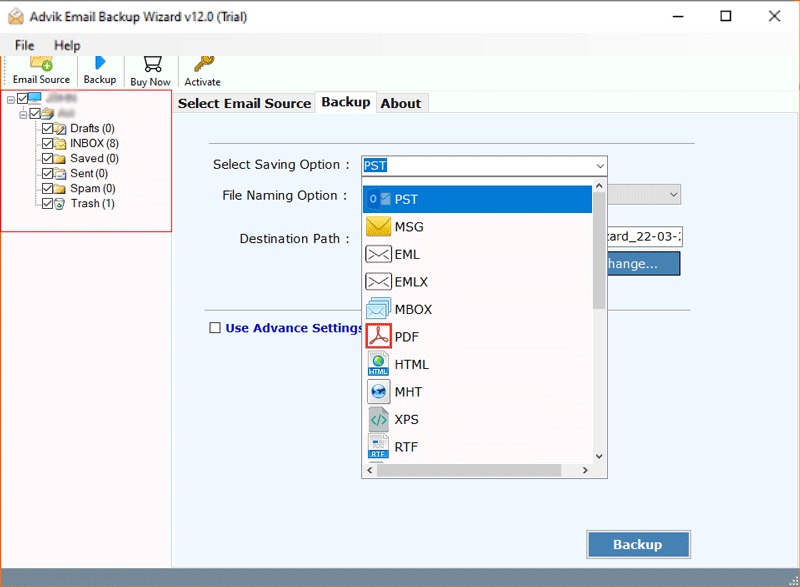
Select mailbox folders and Choose file format.
Click the "Backup" button to begin the process.
Processor Pentium Class or higher
Operating System Windows 11, 10, 8.1, 8, 7
Memory 1 GB recommended
Hard Disk 100 MB of free space
Electronic Yes
Personal License For Personal/Home Users
Business License For Business Users
Migration License For Business/Coorporate Users
Version 12.4
Help us to serve you better by sharing your valuable feedback
TRY IT OUT FOR FREE
Download the Best iCloud Backup Software in 2026
*Free demo will backup 25 items from each folder for free
Step-by-Step Guide to Backup iCloud Emails
Yes, the software keeps all email attachments and other components intact when backing up your iCloud emails.
To export multiple iCloud emails, you can select all mailbox folders to backup all emails from your iCloud account.
To backup specific iCloud emails, use the "Advanced Filters" option. This feature allows you to apply various filters to select the emails you want to backup.
You can import iCloud emails to Outlook 2019 using these simple steps;
Yes, you can directly transfer your emails from one iCloud email service provider to another without any limitations.
Yes, the tool enables you to select mailbox folders for backup. You can choose your desired mailbox folder like Inbox, Outbox, Sent Items, or any customized mailbox folder for backup.
Yes, the software offer an option to backup iCloud emails to another account as well.