How to Export Hotmail to Text (.txt)?
Jackson Strong | January 15th, 2026 | Data Backup
Summary: In this post, we will discuss how to export Hotmail to Text file. If you are a Hotmail user and want to export your emails in a simple plain text file, then this post is for you. Read till the end and convert Hotmail email to Text files.
Hotmail is a free webmail service now known as Outlook.com. With its simple and user-friendly interface, it is easy to access your emails. Since it is a webmail service, thus you have the benefit of accessing your data on any system that is connected to the internet. However, sometimes users prefer to save their important data on their system. Thus they want to export Hotmail emails to TXT files for security purposes.
Why Export Hotmail to Text Files?
A text file is a simple format that saves data in the form of text. There will be no formatting and no images in a text file. One can easily open the data file on any text editor. Some of the advantages of exporting Hotmail to Text files –
- TXT file is lightweight and stored on any external device.
- It doesn’t require any email client to open a text file.
- You can easily transfer the text file between different systems.
- One can easily edit text files as per their requirements.
- Without any formatting, you can focus only on content.
Now that we know the reasons for Hotmail to Text conversion, let’s discuss the process to complete the task.
How to Convert Hotmail Email to TXT Manually?
Hotmail does not offer any option to save emails as text files. However, you need to follow the below given steps to export Hotmail email to Text file.
- Open your Hotmail account.
- Select the email that you want to export into TXT file.
- Click on the Print option.
- Here, save the email in PDF format.
- Now, right-click on PDF and select Open With.
- Select Word, go to File >> Save As option.
- Next, choose .txt under the All Files drop-down option.
- Click on Save button to export Hotmail to plain Text.
This is how you can save Hotmail email as .txt file, but you need to perform the same steps to export other emails.
How to Export Emails from Hotmail to Text Files?
Check out the Advik Hotmail Backup Tool to export Hotmail to Textin bulk. It will preserve data integrity while converting emails into Text files. There is a batch mode that will export emails from multiple Hotmail accounts to text at once. Moreover, there will be no data loss while batch exporting emails.
To analyse its working download the demo version of the software. The trial edition will export 25 emails from each Hotmail folder.


Steps to Export Hotmail Emails to Text Files
1. Run the software on your system.
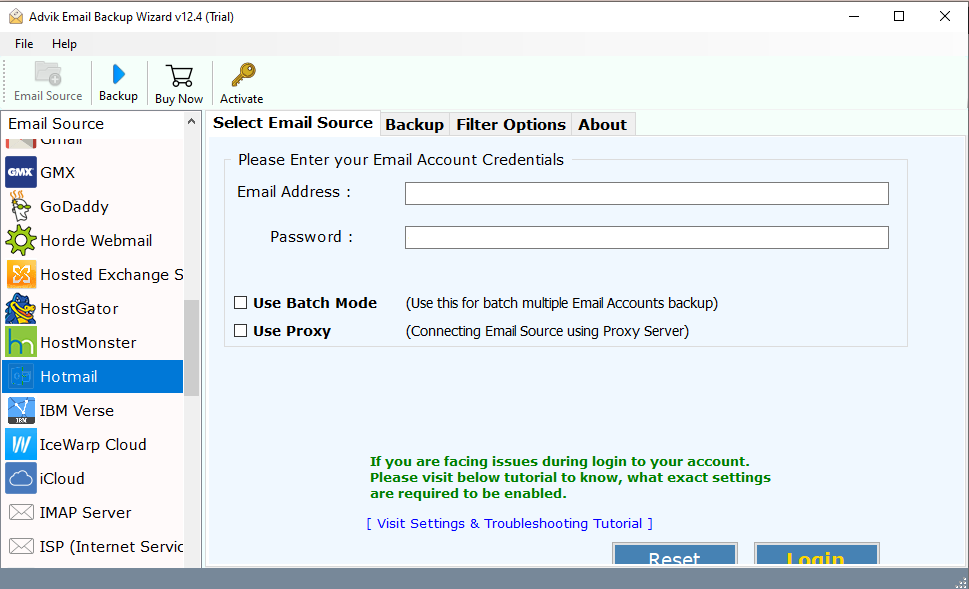
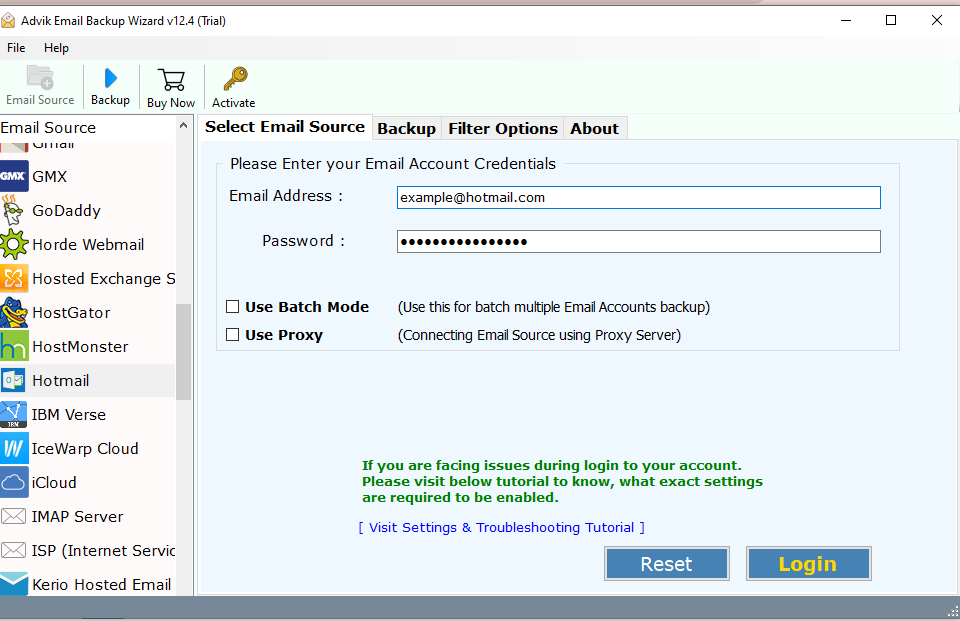
2. Search for Hotmail and enter your login details.
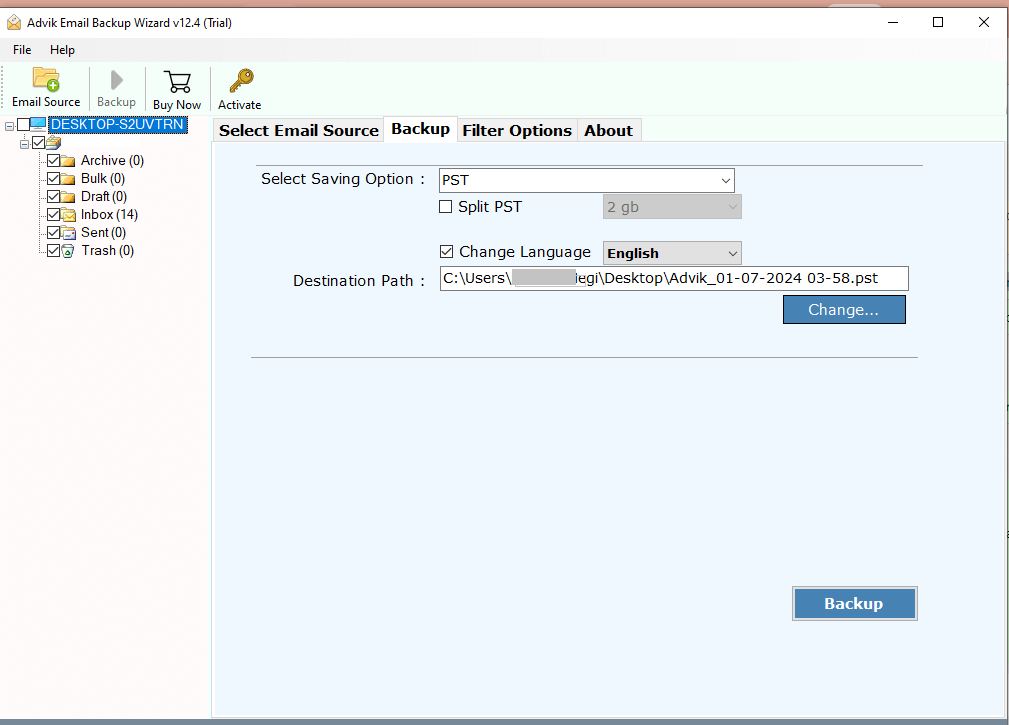
3. Select the email folder you want to export.
4. Choose the RTF option for the given list.
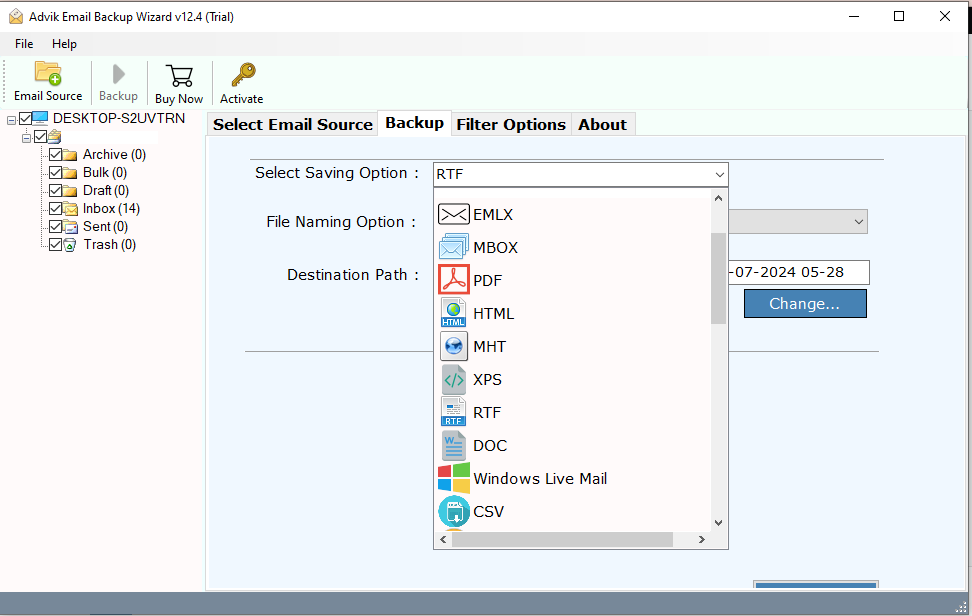
5. Browse the targeted location and hit the Backup button.
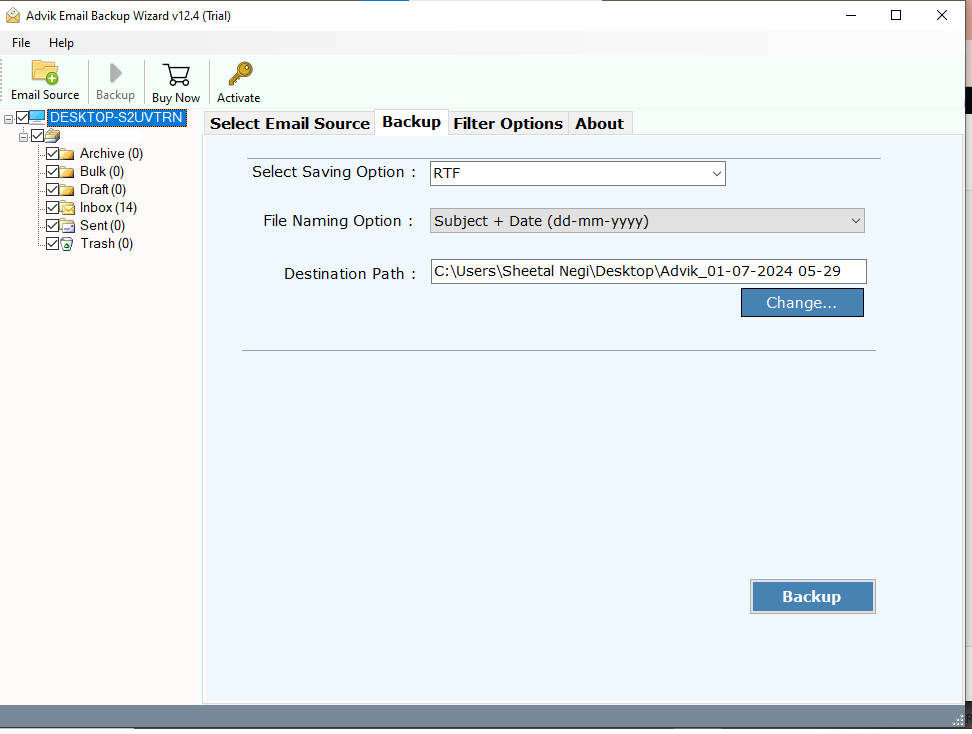
Done! Here starts the exporting process. After that, go to the location and find the exported data file. Open it and access your Hotmail emails.
Why Use Automated Tool?
There are various benefits of using this automated tool. Some of them are –
- Advance Filters – The software is enriched with advanced filter options. It will help to export emails from any particular date. One can also apply the filters such as to, from, subject, exclude folder, etc.
- Windows & Mac Support: This utility will smoothly work on both Windows as well as Mac machines. Download the software and export emails from Hotmail to text file.
- Multiple Saving Options: With this automated utility, there are various other saving options available. One can export their Hotmail emails into multiple file formats or email servers.
- Batch Mode: There is a batch mode that can be used for batch export Hotmail emails to Txt files. First, after you enter login details, select the batch mode option. Then you need to add all the Hotmail accounts and app passwords in a .csv file and upload it. The tool will export emails from all accounts at once.
- Email Hierarchy: The software will effortlessly maintain email folder hierarchy and structure. There will be no changes in your mailbox folder structure after exporting your data.
- Preserve Data Integrity: If you are worried about your data loss or modification, then this tool preserves all your email data. It will maintain email key elements, attributes, sender/receiver info, etc.
Conclusion
Here in this post, we discuss two easy ways to export Hotmail to Text files. You can manually convert Hotmail email to Text one by one. The automated tool offers a secure environment to export multiple emails without compromising them. Hope you were able to complete the conversion process without any hassle.
