Simplify GoDaddy data protection with a powerful backup tool
Using a GoDaddy Backup Tool is important for several practical reasons.
Data Protection
Advik GoDaddy Backup Software helps you create a secure copy of your emails, attachments, and contacts. It protects data from accidental deletion, hacking attempts, or account suspension. Having an offline backup copy ensures you never lose critical information stored on GoDaddy server.
Easy Migration
Many users plan to move from GoDaddy to another platform like Gmail, Office 365, or any other email service, GoDaddy Backup Tool simplifies the migration process. To transfer all email data from GoDaddy to another platform, users create a backup of their emails to have a smooth migration without losing any data.
For Legal and Compliance Needs
Many businesses are required to maintain email records for legal or auding purposes. A backup tool allows you to securely archive emails for long-term storage and compliance. The backup ensures to provide the needful information or evidence whenever required.
Offline Access
GoDaddy Email Backup Software allows users to download and store their emails on their computer, so they can access then even if they're not connected to the internet. This is especially useful during network issues, server downtime, or while travelling, ensuing uninterrupted access to data.
Now save or download GoDaddy emails from your Professional/Business Email Account to PC
Advik GoDaddy Backup Tool will create a copy of mailbox items that can be recovered or accessed during an unplanned event or primary sources failed to load. You can keep your important emails safe to your desired secure location. With this software, you can backup GoDaddy emails to Hard drive, USB Drive, Flash Drive, or any other type of external disk directly.
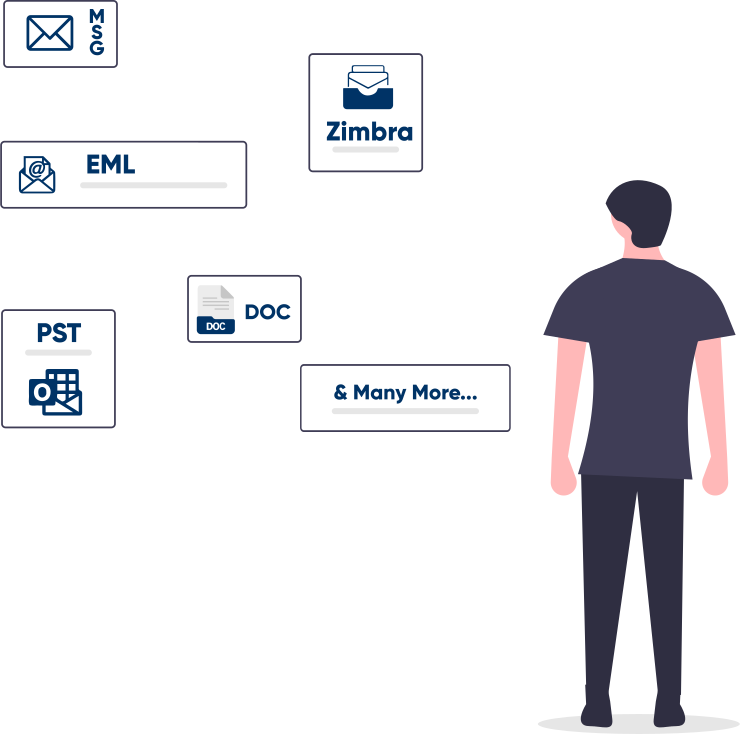
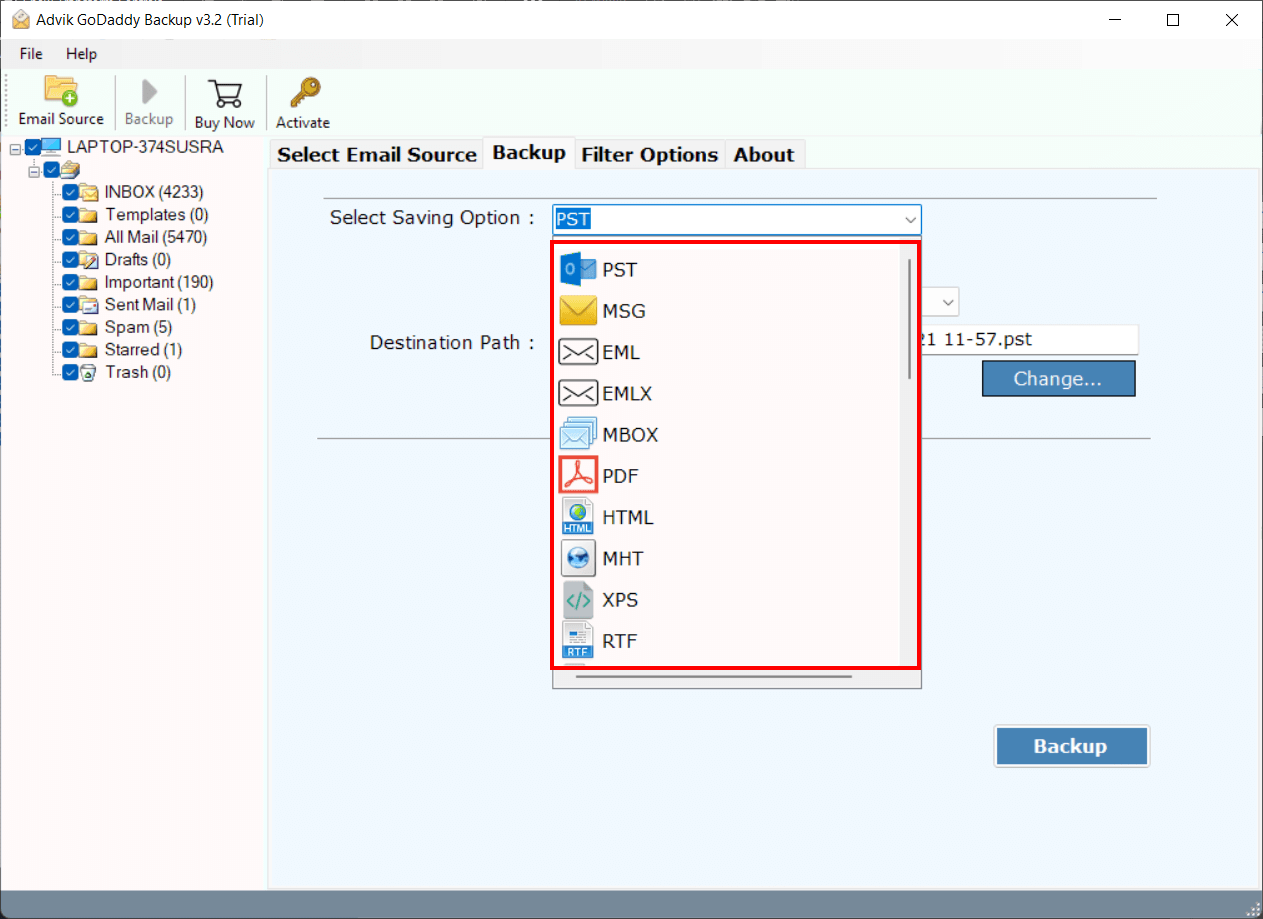
Advik GoDaddy Pro Email Backup Software offers various popular file formats in which you can save your emails and folders. You can export GoDaddy emails to PST, Save GoDaddy emails to EML, convert GoDaddy emails to PDF in bulk, export GoDaddy to MBOX, TGZ, XPS, RTF, DOC, and many more. The variety of saving options is a great help for universal user requirements. You don't need to buy a separate application to convert or export emails. A complete email backup wizard is right here.
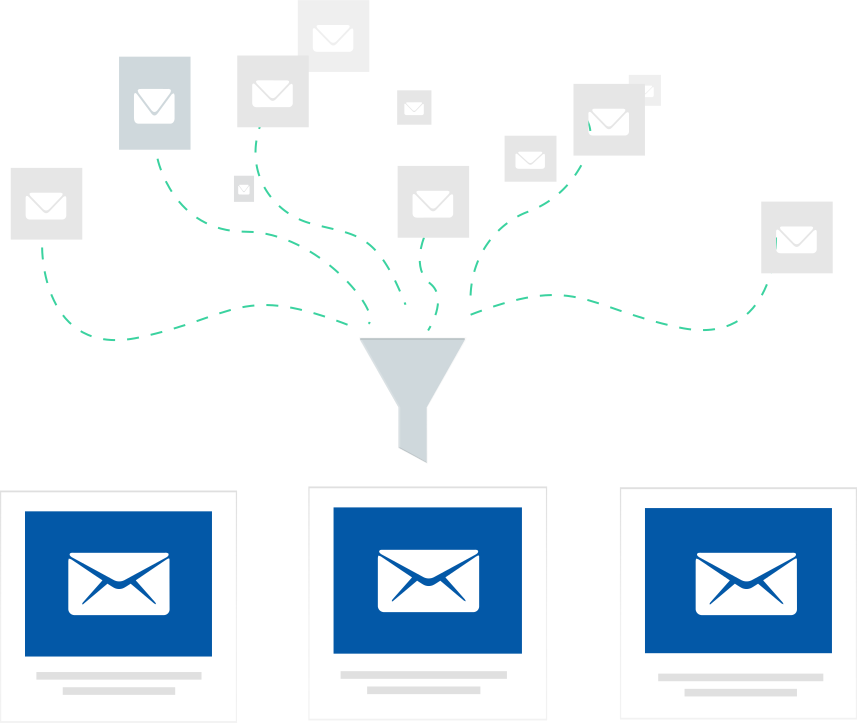
Want to skip useless and unwanted emails from backup? The software provides this option to apply several filters to create specific email backup and removes the rest. Filter Options are; Date Range, Sender and Receiver details, Exclude or Include Folders, Subject Name, etc. With this feature, you will be able to save plenty of time and manual effort. In the end, you will be able to backup GoDaddy emails of your choice.
Users who had created multiple folders and subfolders in GoDaddy Webmail, need not worry about the folder tree. The software is programmed in such a manner that identifies the email folder hierarchy and preserves it even after a successful backup. The mailbox folder and sub-folder structure will remain in their original format along with key elements (such as cc, bcc, date, time, signature, hyperlinks, images, attachments, etc.).
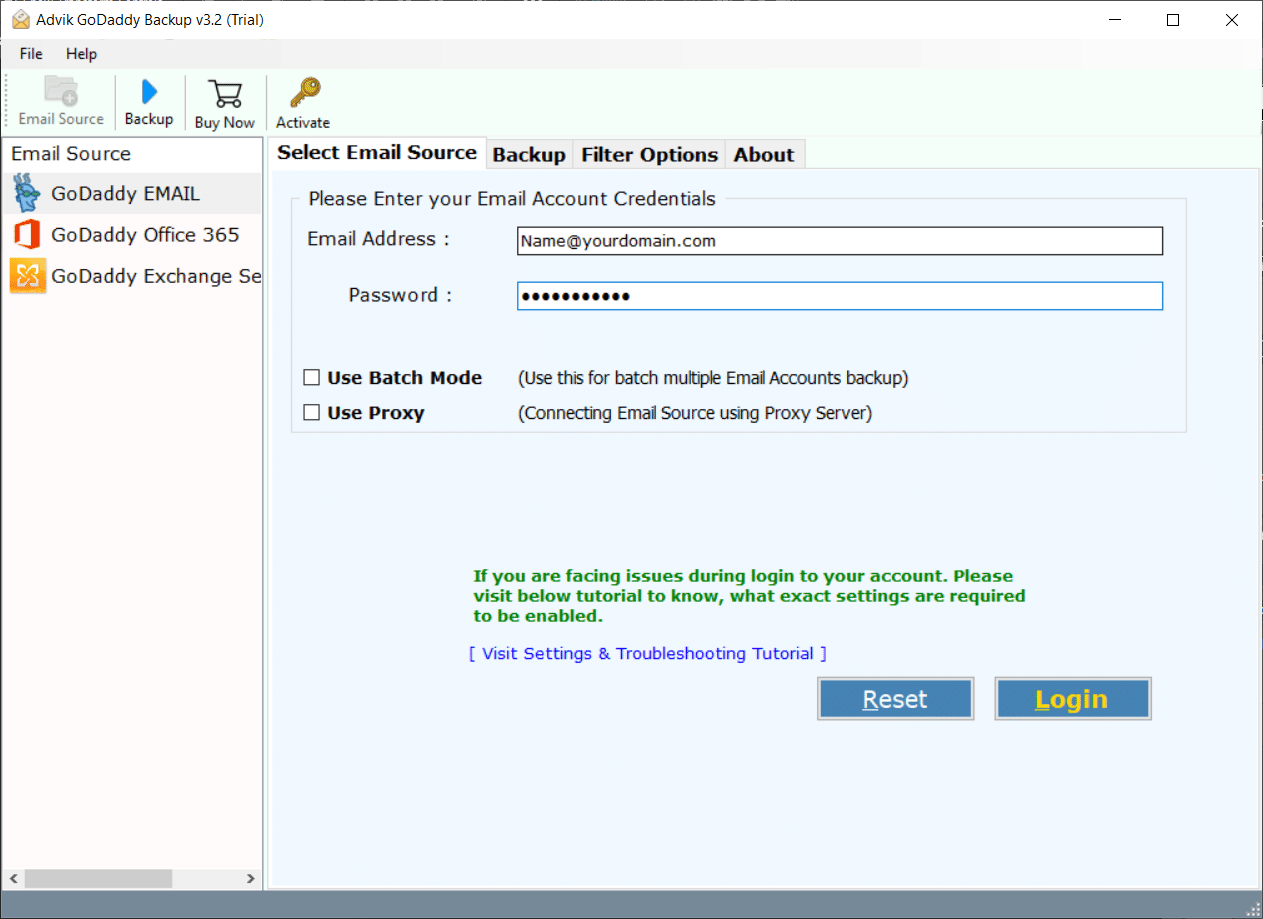
*Important Note: Enable Less Secure Apps and IMAP from GoDaddy Security Settings to Sign Into Software..
Launch Advik GoDaddy Backup Wizard and Sign In.
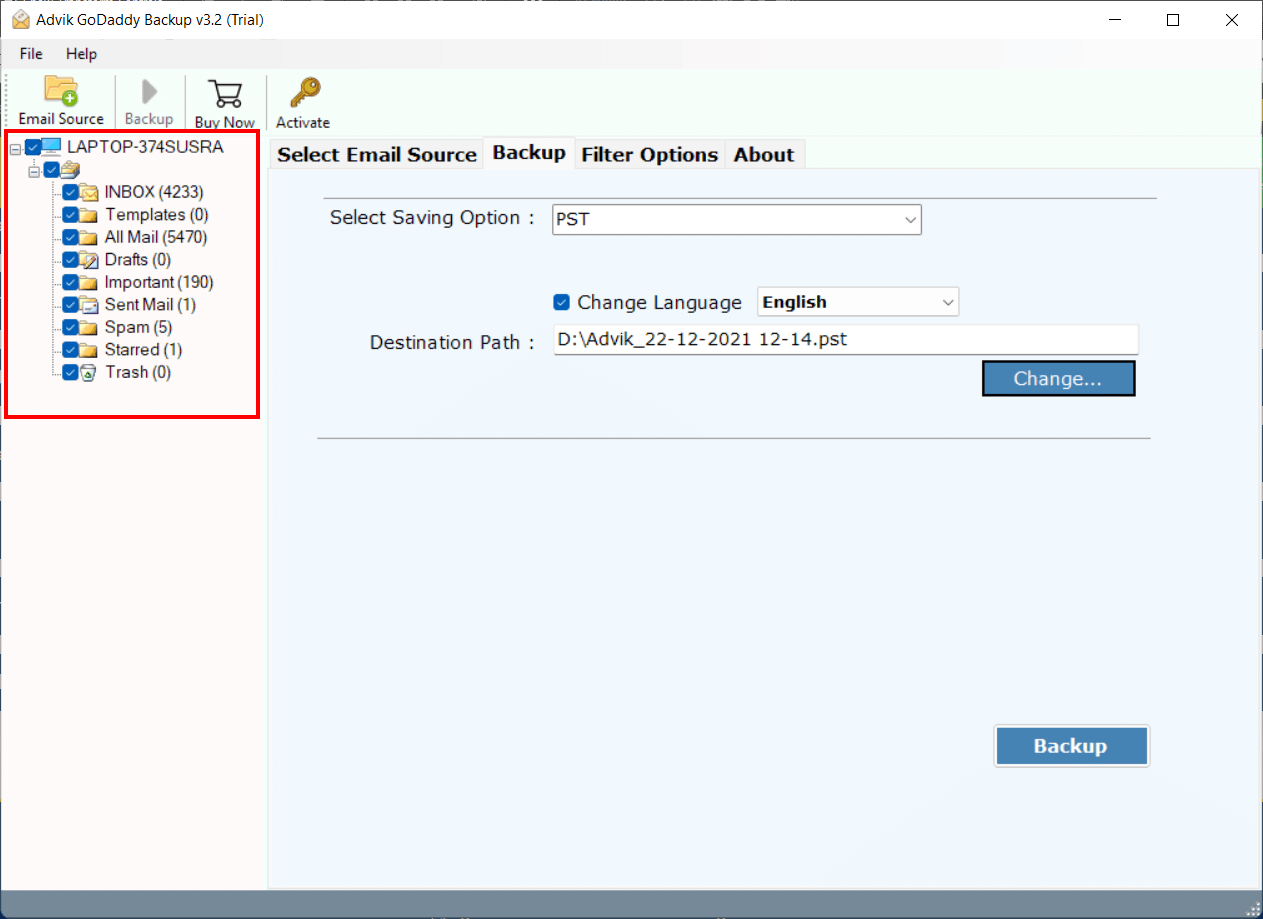
Select mailbox folders to download.
Choose File Format in which you want to create backup file.
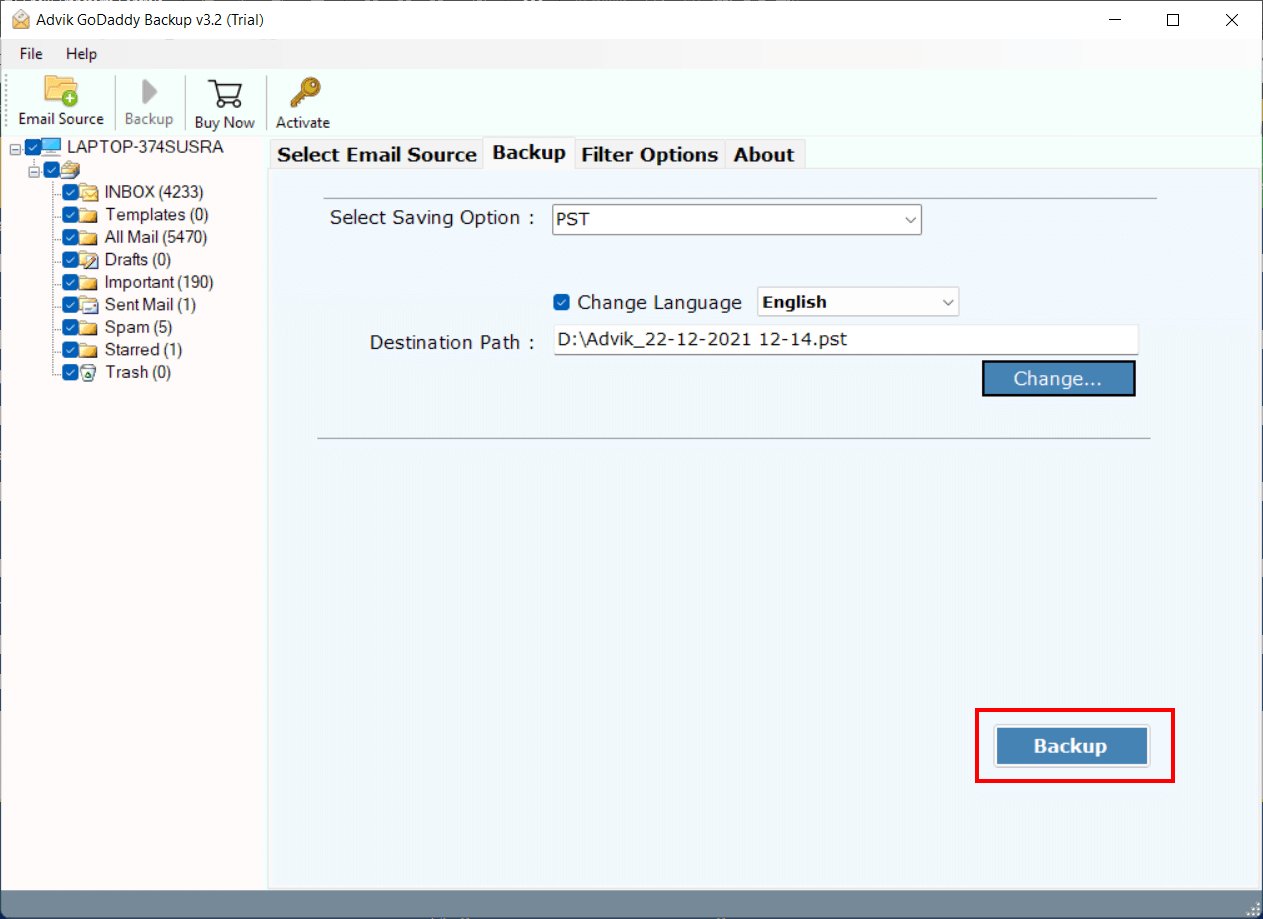
Click Convert to start GoDaddy email backup process.
Processor Pentium Class or higher
Operating System Windows 11, 10, 8.1, 8, 7
Memory 1 GB recommended
Hard Disk 100 MB of free space
Electronic Yes
Personal License For Personal/Home Users
Business License For Business/Coorporate Users
Version 3.2
Help us to serve you better by sharing your valuable feedback
TRY IT OUT FOR FREE
Download the Best GoDaddy Email Backup Tool for Windows
Free Download 100% Secure*Free demo will backup 25 items from each folder for free
First of all you have to install Advik GoDaddy Backup tool in your Windows PC. Now follow the below steps to download GoDaddy emails to pc
This is how you can save GoDaddy emails and mailbox folders to computer safely.
Yes, you can import GoDaddy Emails to Outlook.com by following below instructions;
There is no limitation. You can backup unlimited number of GoDaddy email accounts.
Yes, there is a filter option which you can use to find specific items from your GoDaddy mailbox.
If you are getting login error, please check your login credentials. Secondly you must have enable IMAP access from GoDaddy Email Settings. After that you can easily sign into the Advik GoDaddy Backup Tool.