How to Export Zoho Emails to EML Files?
Jackson Strong | January 8th, 2026 | Data Backup
Zoho Mail is an email hosting provider that offers its service to both individuals and businesses. With its user-friendly interface and advanced features, it became the preferred choice for those who are looking for a secure way for email management. Despite all this, sometimes users find it necessary to export Zoho emails to EML files due to various reasons.
In this article, we are going to discuss how to save Zoho emails to EML files. Here, we will show you two different methods to download Zoho emails to EML files. Stay tuned with us and accomplish this task without any hassle.
Before diving into the methods, let’s know the reasons to convert Zoho Mail to EML files.
Why Export Zoho Mail to EML?
- EML files are lightweight and plain text files that can be shared easily.
- Saving emails as EML, keeping a secure backup for the future.
- EML files retain file layout, attachments, and metadata.
- EML file stores a single email message; it’s suitable for sharing some crucial emails.
How to Convert Zoho Mail to EML Files?
Zoho Mail has an Export option to download your mailbox data. Follow the given instructions to export Zoho emails to EML files.
1. Login to your Zoho Mail account.
2. Then go to settings and search for the Import/Export Emails option.
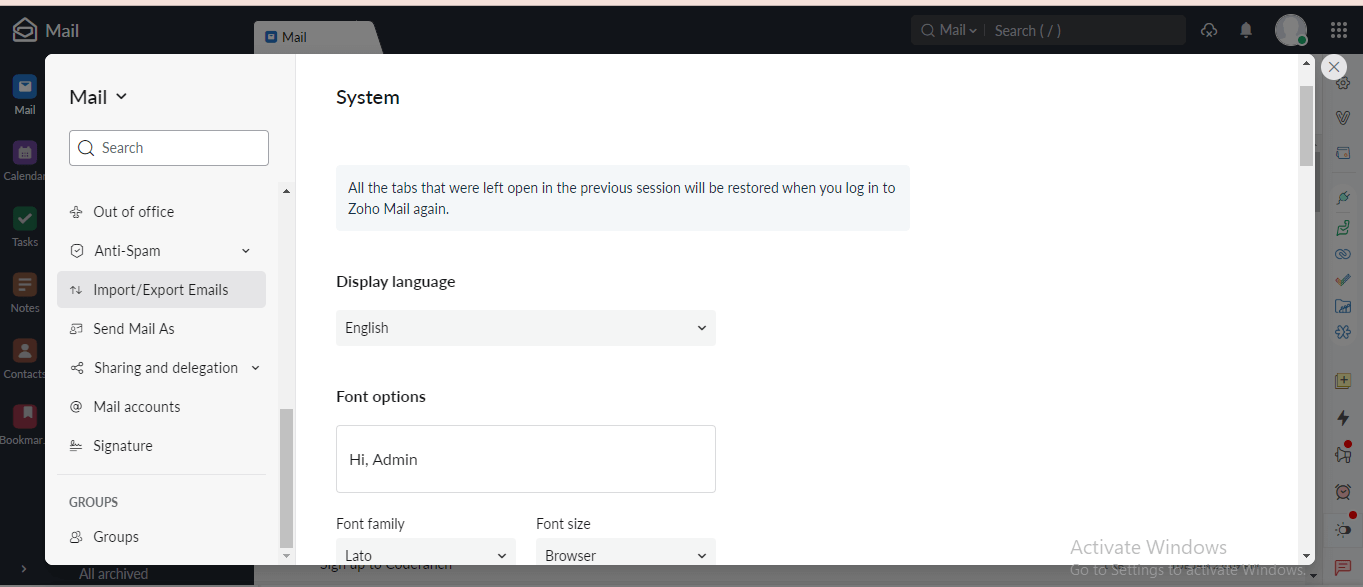
3. Then, click on Export.
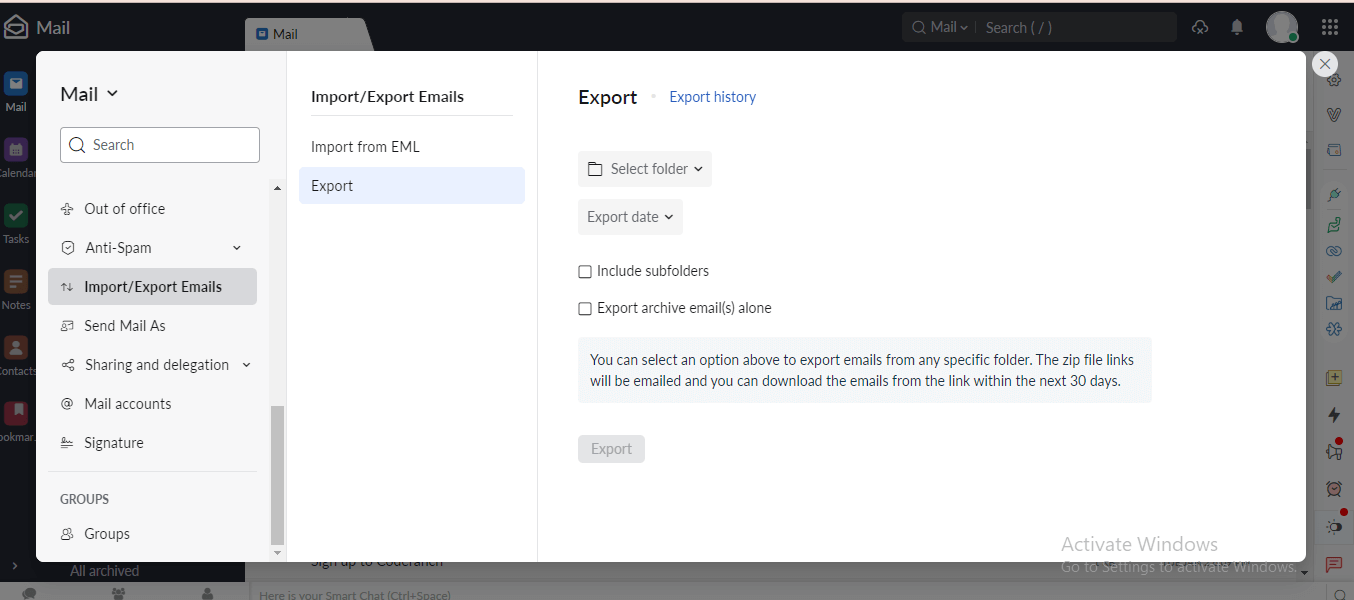
4. Here select the email folder and export date and choose other options.
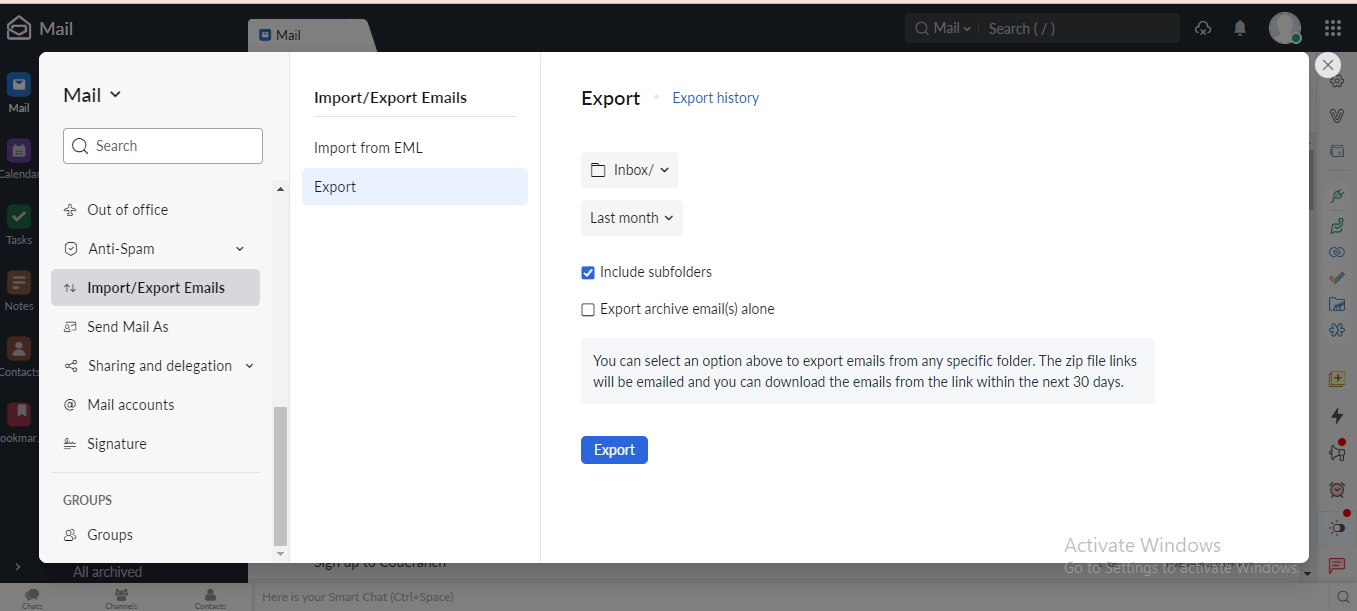
5. At last. click on Export to start the process.
Done! In your Zoho Mail account, you will receive a link containing a compressed file with your emails. Unzip the file, and you will get the EML files. However, it will export a single folder at a time, thus you need to repeat the given steps to export complete mailbox data.
How to Export Zoho Emails to EML Files in Bulk?
Advik Zoho Mail Backup Tool is the easiest and safest way to export mailbox data. With its simple and user-friendly interface, both technical and non-technical users can export emails from Zoho Mail to EML files with ease. It will download all email folders directly from Zoho Mail account to EML files along with attachments. Download the software and try it for free.


Steps to Export Emails from Zoho Mail to EML
1. Launch the software on your Windows.
2. Click on Zoho Mail and enter your login details.
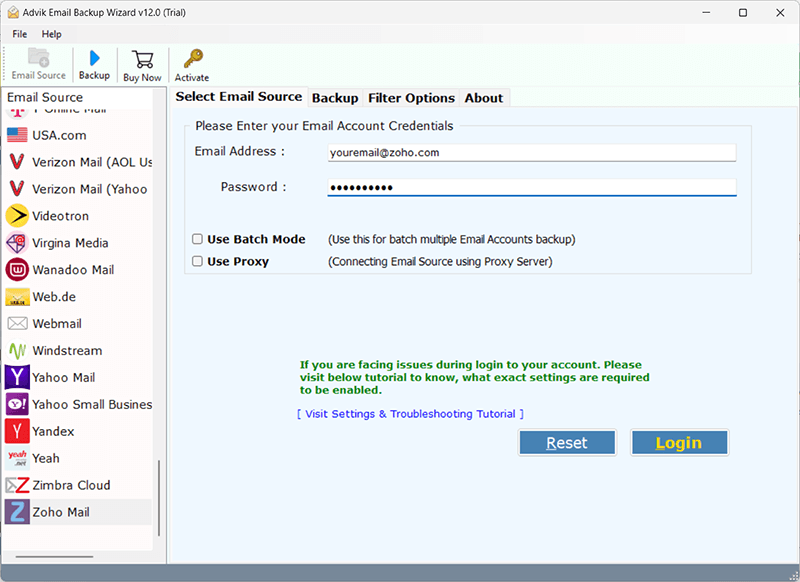
3. Select the email folders you want to export.
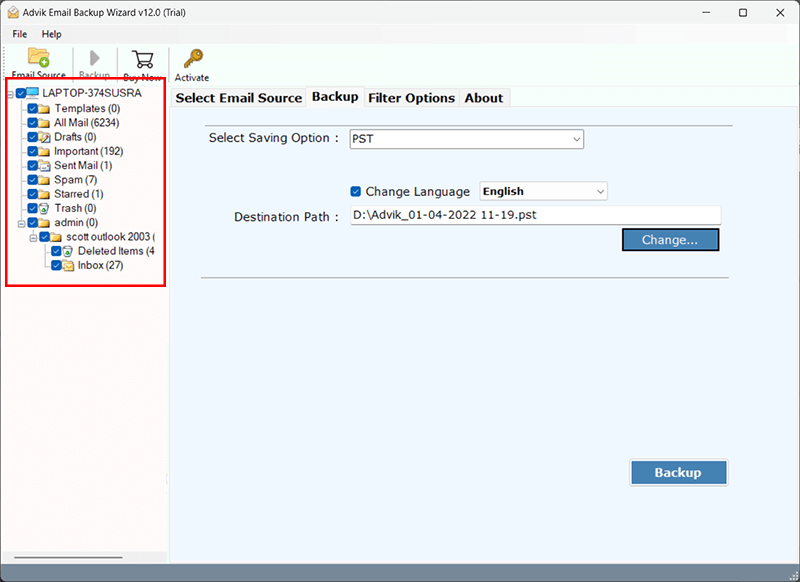
4. Choose EML from several saving options.
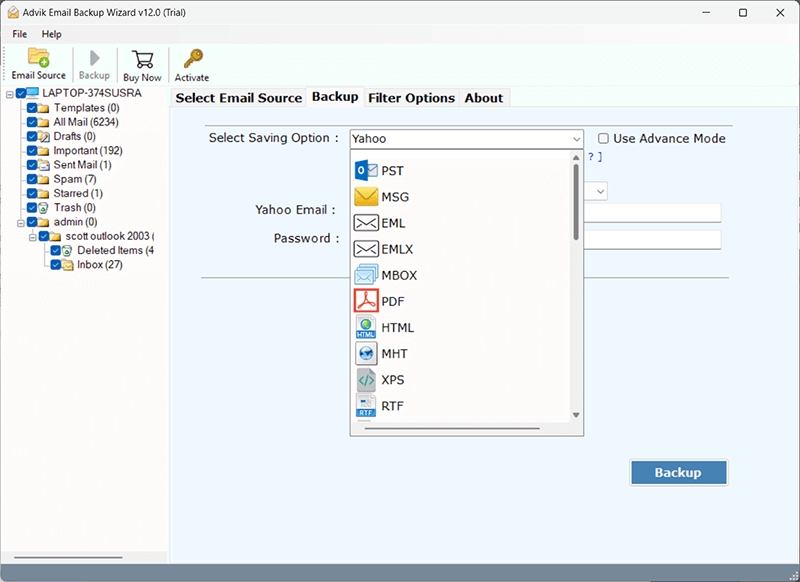
5. Browse the targeted location and hit the Backup button.
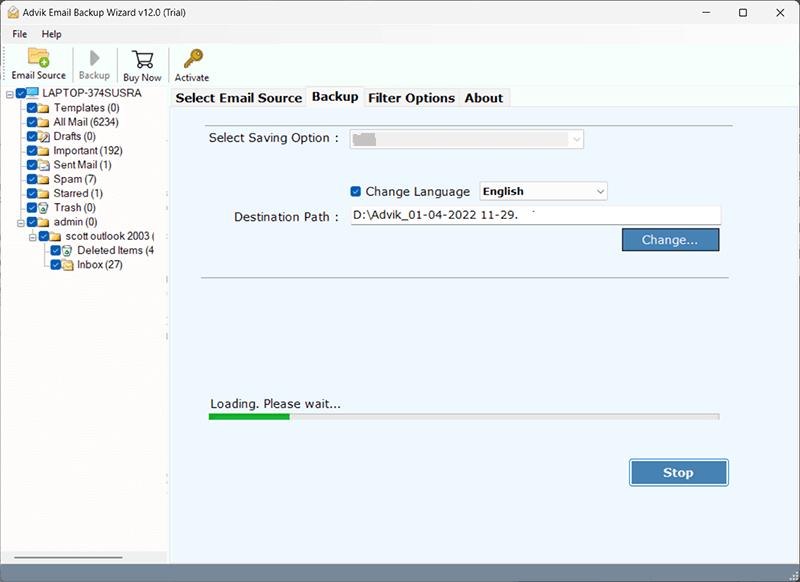
Done! Here you directly export Zoho Mail to EML files in a few simple clicks. With this tool, various features help in smooth exporting.
- Complete the export process without any data loss.
- Allow to migrate Zoho mail to Office 365 and all other cloud-based email accounts.
- Maintain email folder and sub-folder structure.
- Simple user interface for smooth transfer.
- Option to extract email addresses from Zoho Mail account.
- Filters to export emails from a particular person or date.
Conclusion
In this article, we have discussed the two solutions to export Zoho emails to EML files with attachments. You can use the free approach and export your data. However, if your mailbox data contains lots of data, then there can be changes in the data or its structure. If the exported data is correct without any errors, repeat the same steps to save other folders. If not, then try the automated approach for an effortless export process.
